Overview Link to section: Overview
I built Tab5 OS to turn my M5Stack Tab5 into a touchscreen environment that can move between everyday tasks and electronics work. It combines storage, networking, display and touch input with tools for inspecting signals, exchanging bytes, and saving captures.
The firmware uses ESP-IDF, Espressif’s development framework, and LVGL, a graphics library for embedded interfaces. M5Stack’s board-support code connects those applications to the ESP32-P4 microcontroller and the tablet’s hardware.
Every screenshot below came from my ST7121 tablet on October 22, 2026. Its System screen identifies the firmware as Tab5 OS v0.6.0-3-g6d424a9-dirty: commit 6d424a9, three commits after the v0.6.0 tag, plus local changes. The 34-app launcher matches the newer app inventory on main; the tag and that commit alone have 24 apps. These captures show interfaces and their current states, not completed hardware validation.
Launcher and screensaver Link to section: Launcher and screensaver
The touch launcher scrolls through the apps, with a Home control in the shared header. The idle screensaver displays time, date, and weather forecasts.
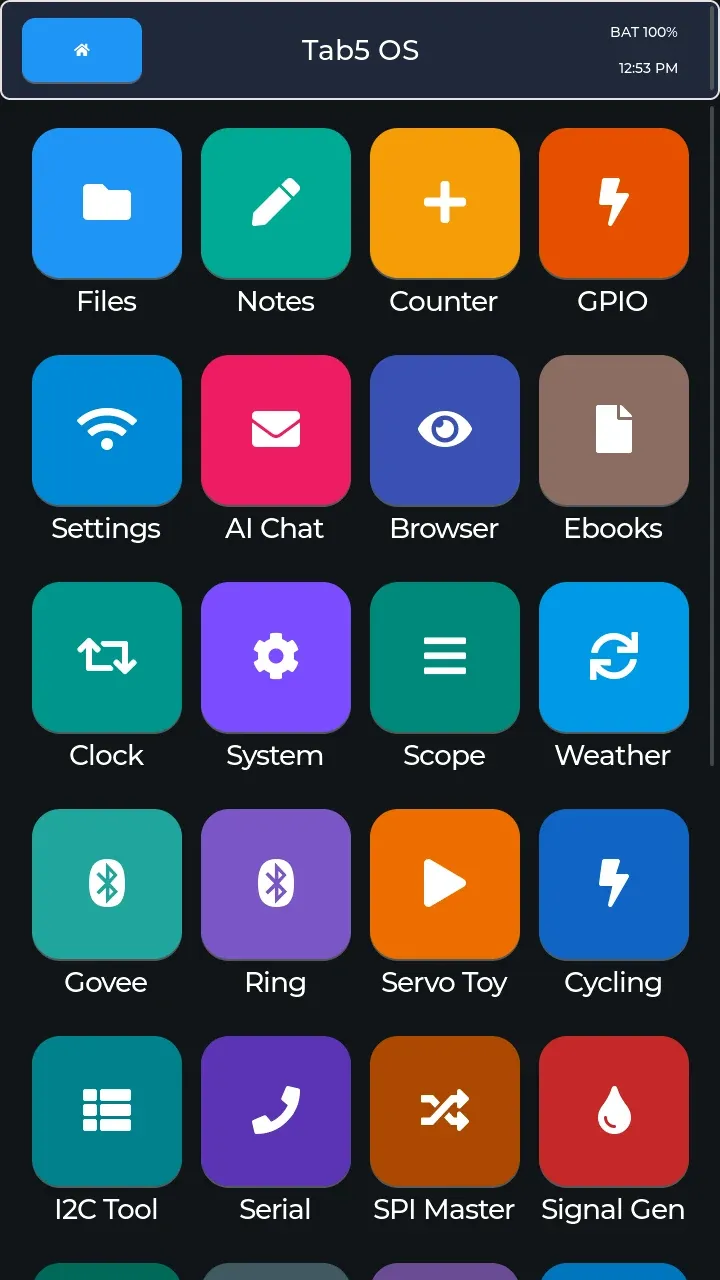 The upper launcher, with everyday apps followed by hardware and Bluetooth tools.
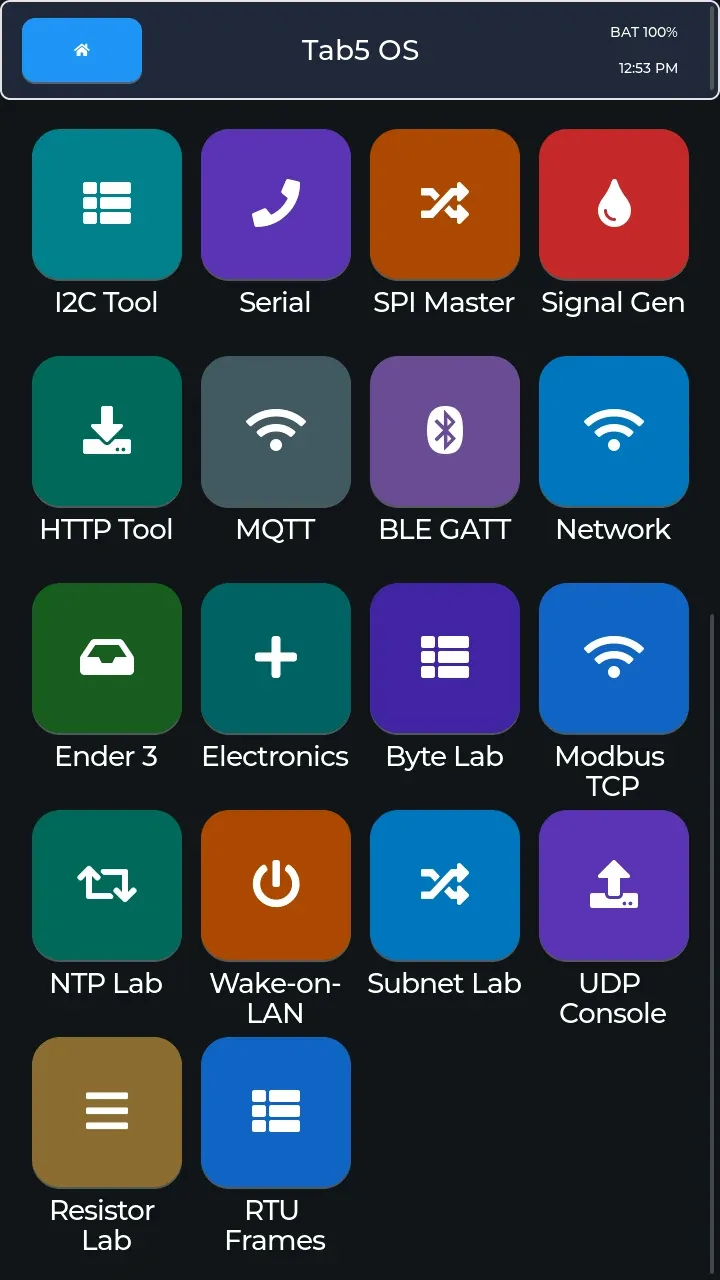 The lower launcher includes the newer development apps.
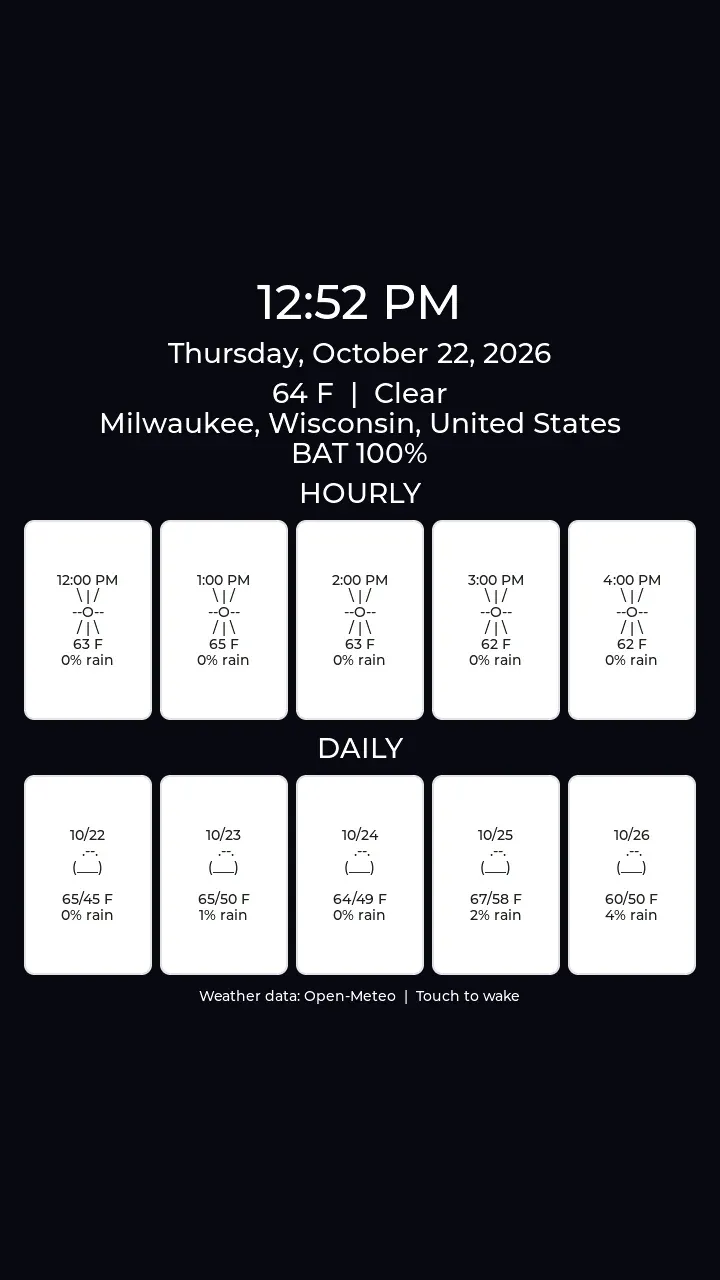 The idle screen uses Open-Meteo weather data and wakes on touch.
Everyday tools Link to section: Everyday tools
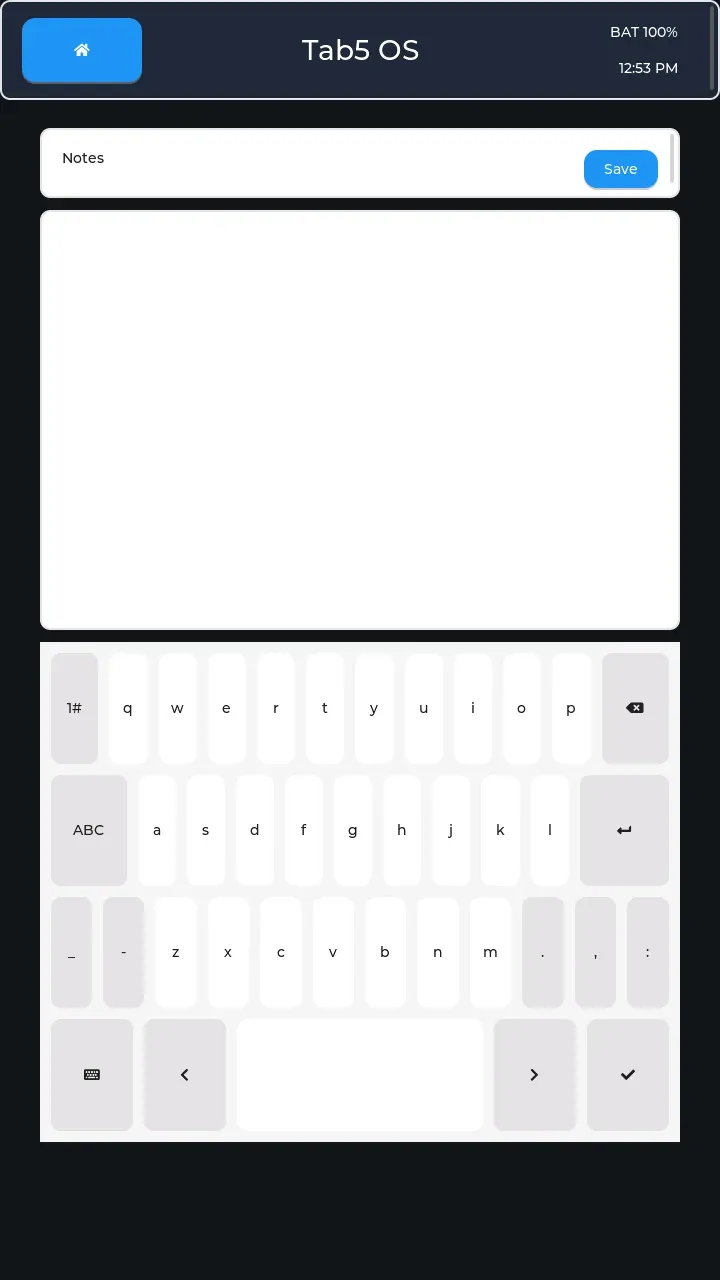 Notes edits and saves a local note using the touch keyboard. Personal note text is redacted.
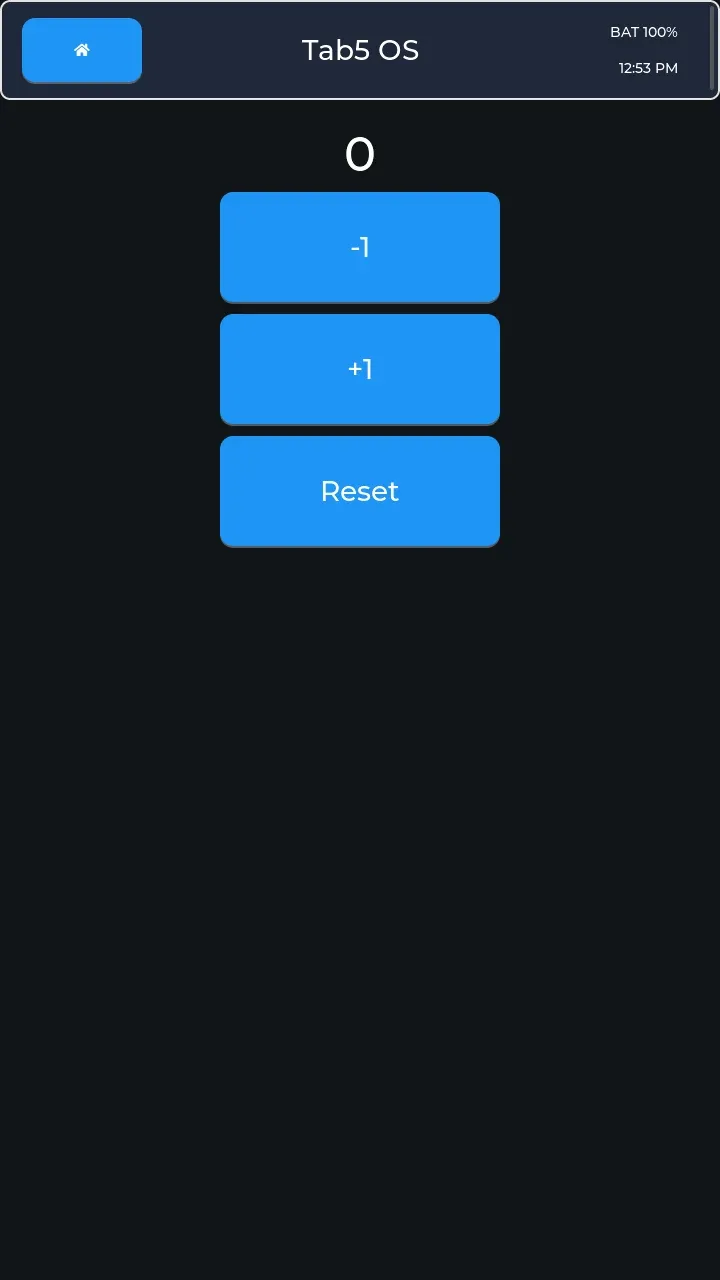 Counter provides large increment, decrement, and reset controls.
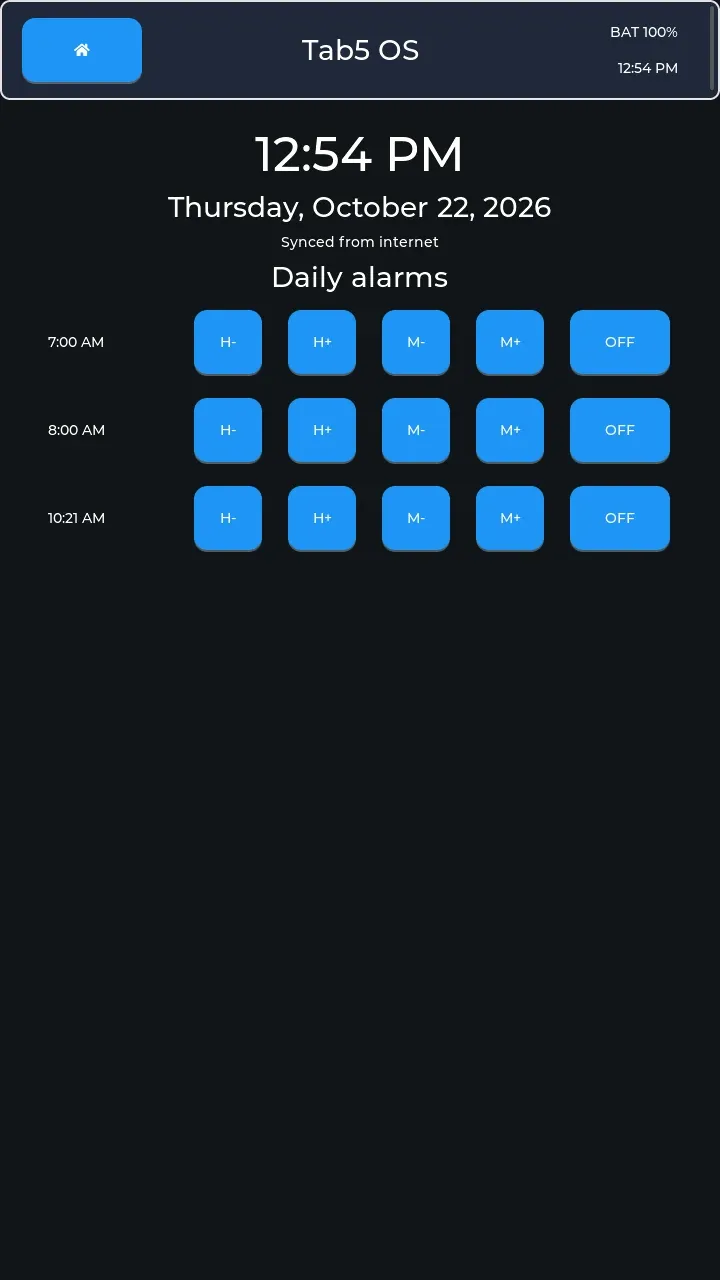 Clock combines internet-synchronized time with persistent daily alarms and snooze; all three alarm rows are off here.
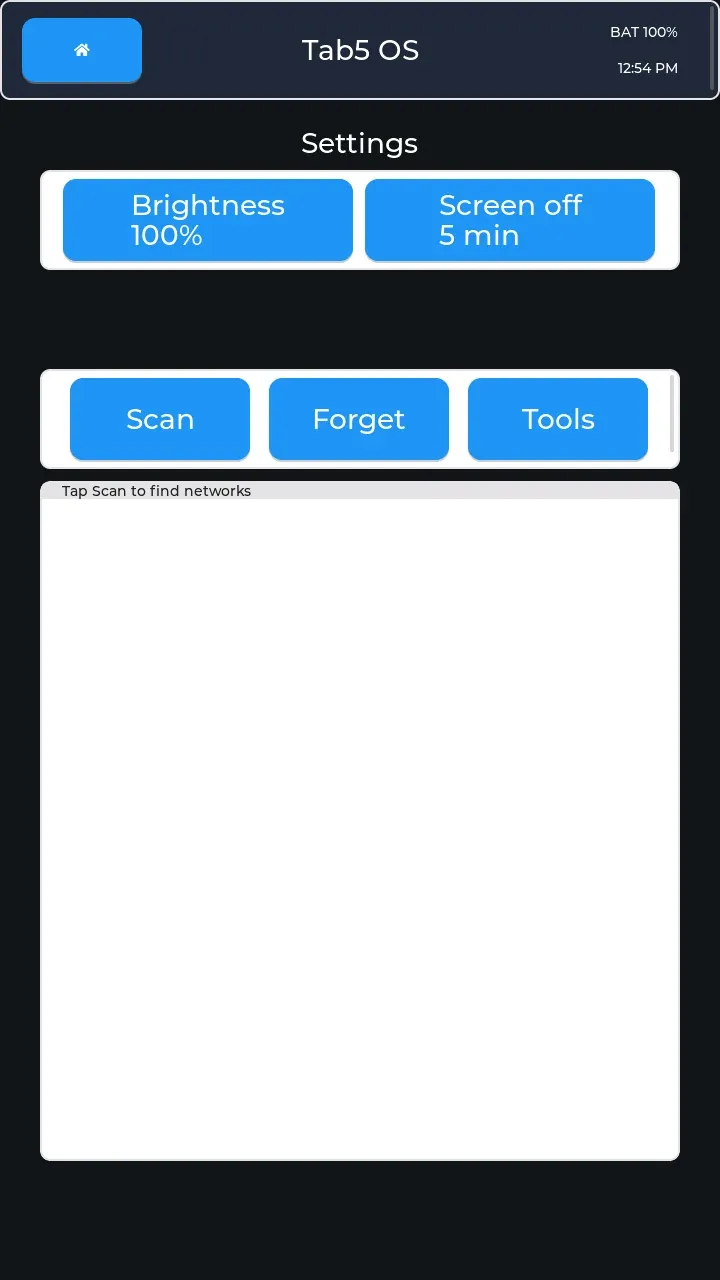 Settings manages brightness, screen timeout, and Wi-Fi connections. The connected network name and IP address are redacted.
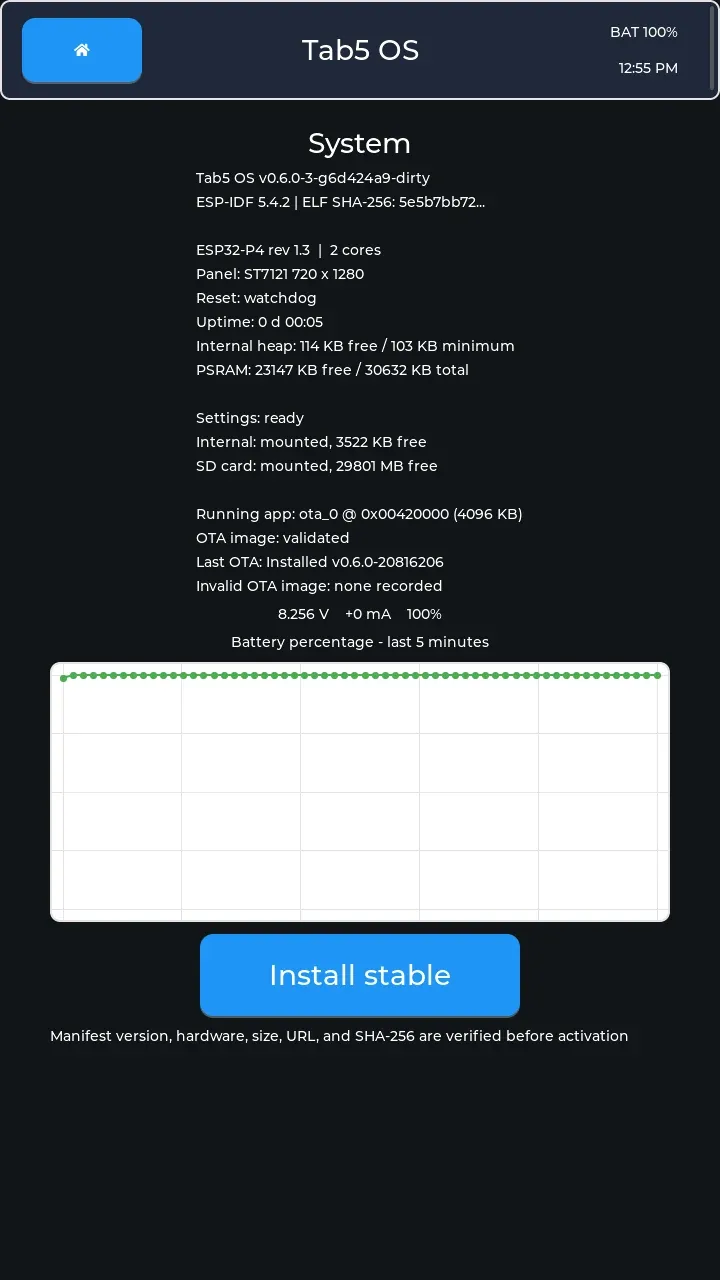 System reports firmware, hardware, storage, and update state and provides Install stable. The Wi-Fi IP address is redacted.
Files and reading Link to section: Files and reading
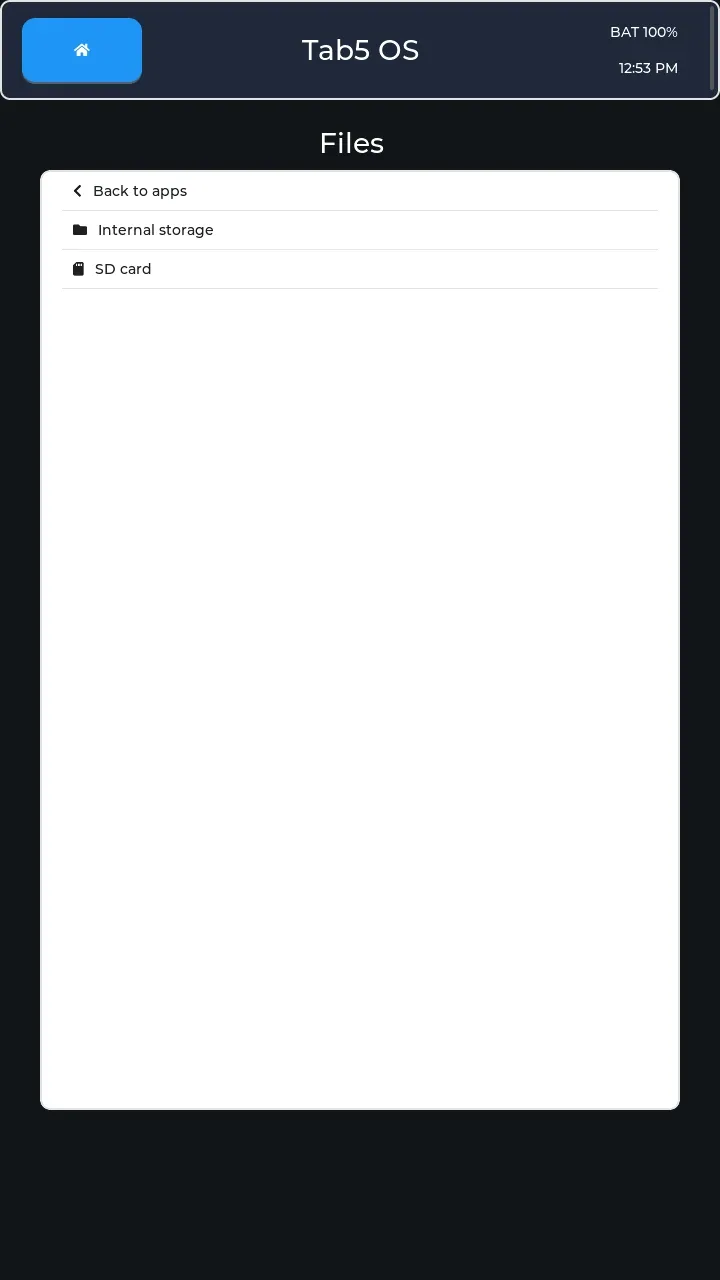 Files browses internal storage and microSD, including viewers for saved capture graphs and serial logs. This capture shows only the storage roots.
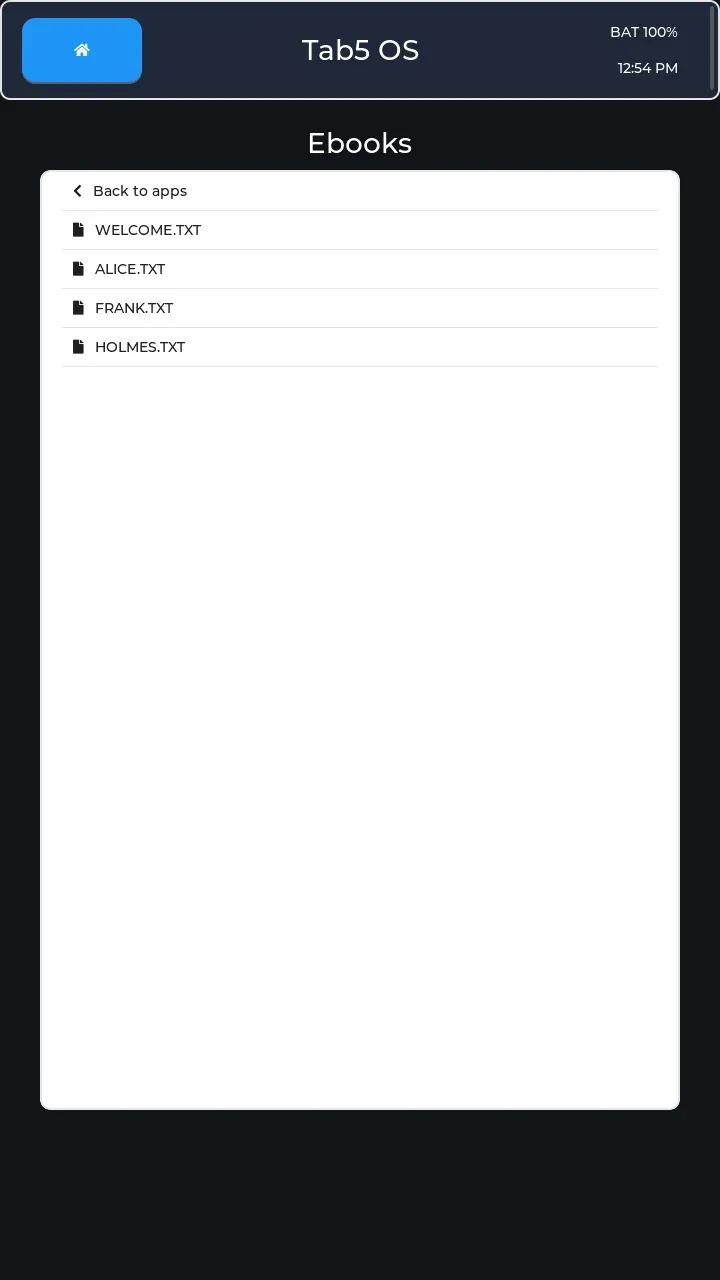 Ebooks reads text files from the SD card; these are the firmware’s welcome file and three first-run Project Gutenberg classics.
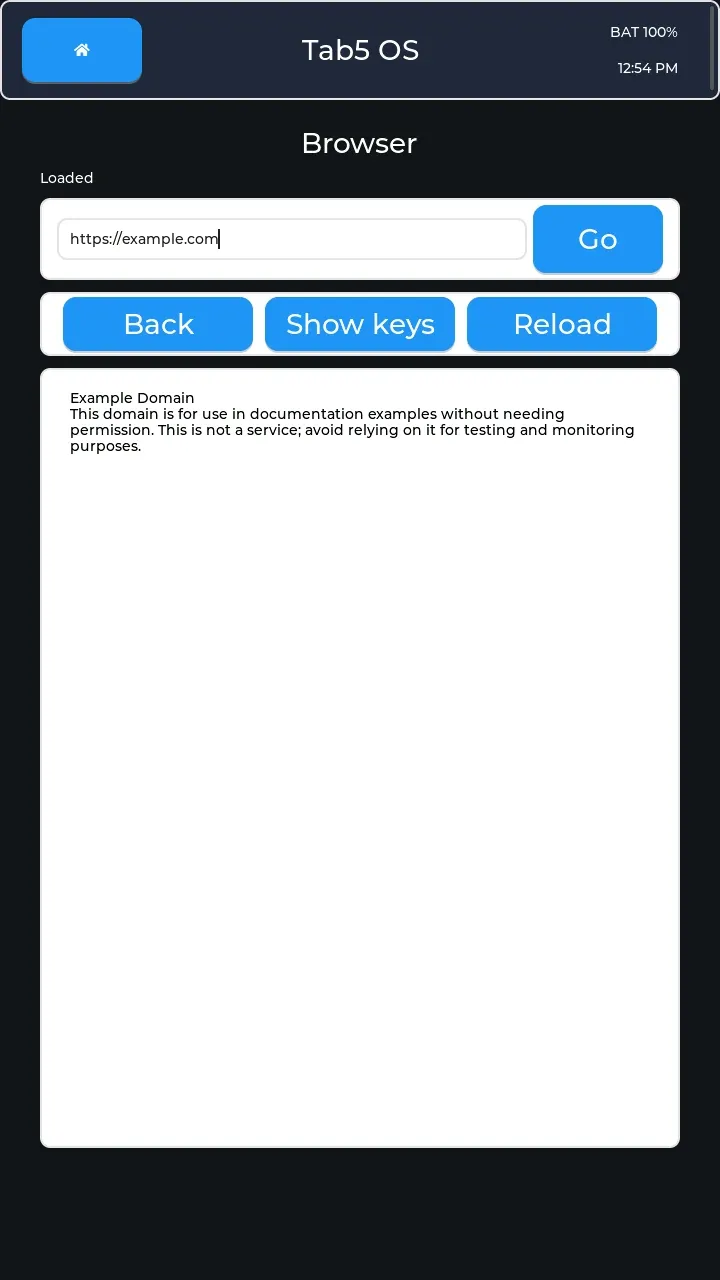 Browser renders web pages as readable text with clickable links and HTTPS support, shown with Example Domain loaded.
Network and online Link to section: Network and online
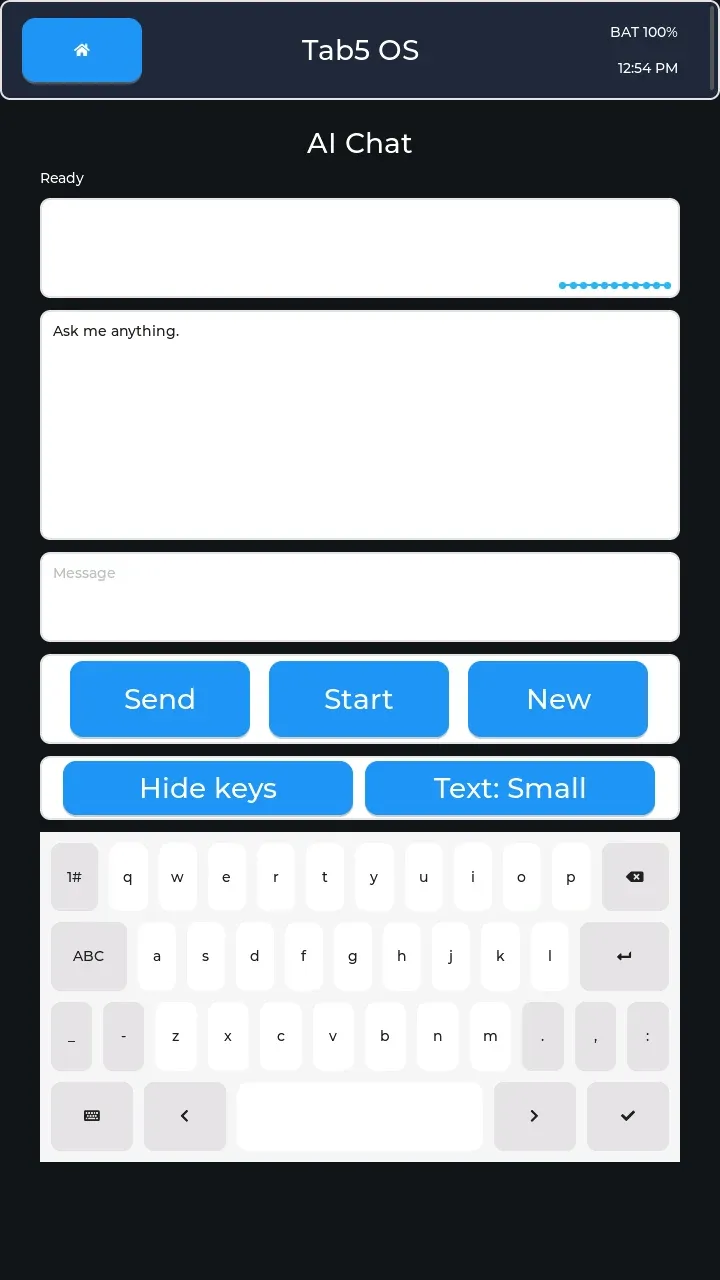 AI Chat sends messages through an authenticated HTTPS relay and supports start/stop microphone transcription with a waveform. No conversation is present here.
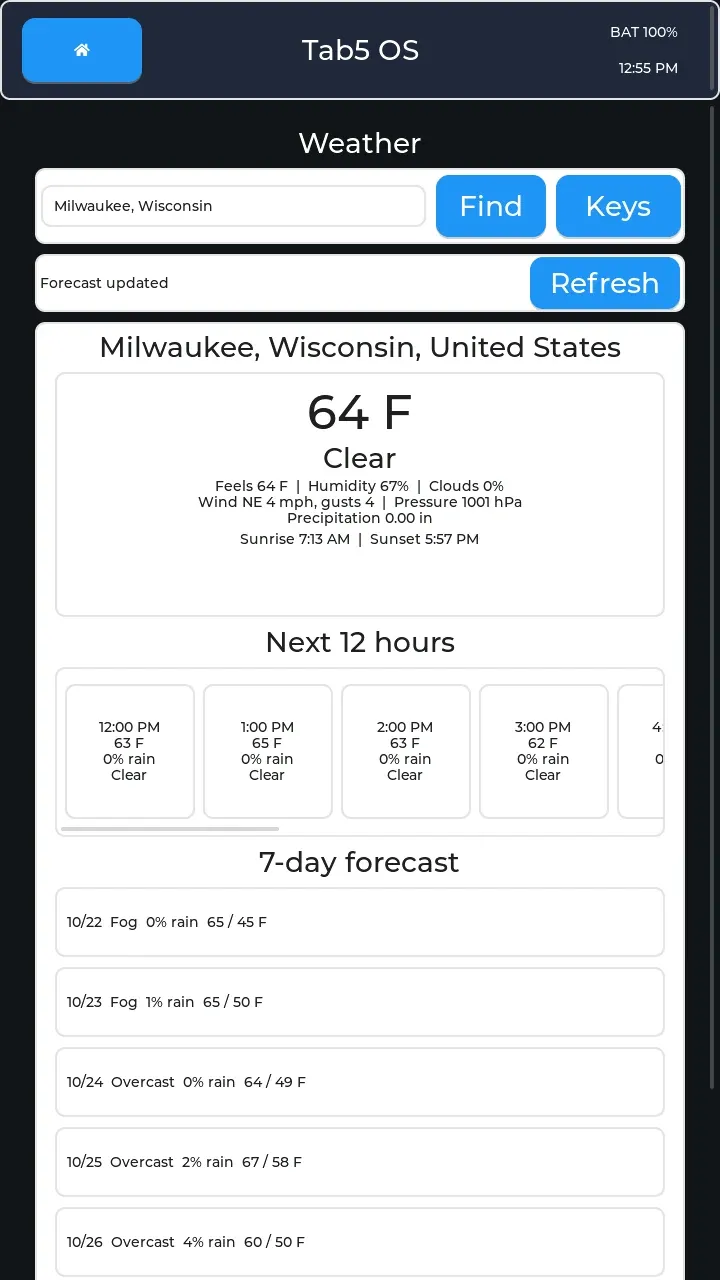 Weather looks up a city and shows current conditions, hourly forecasts, and a seven-day outlook; Milwaukee is the project’s public example.
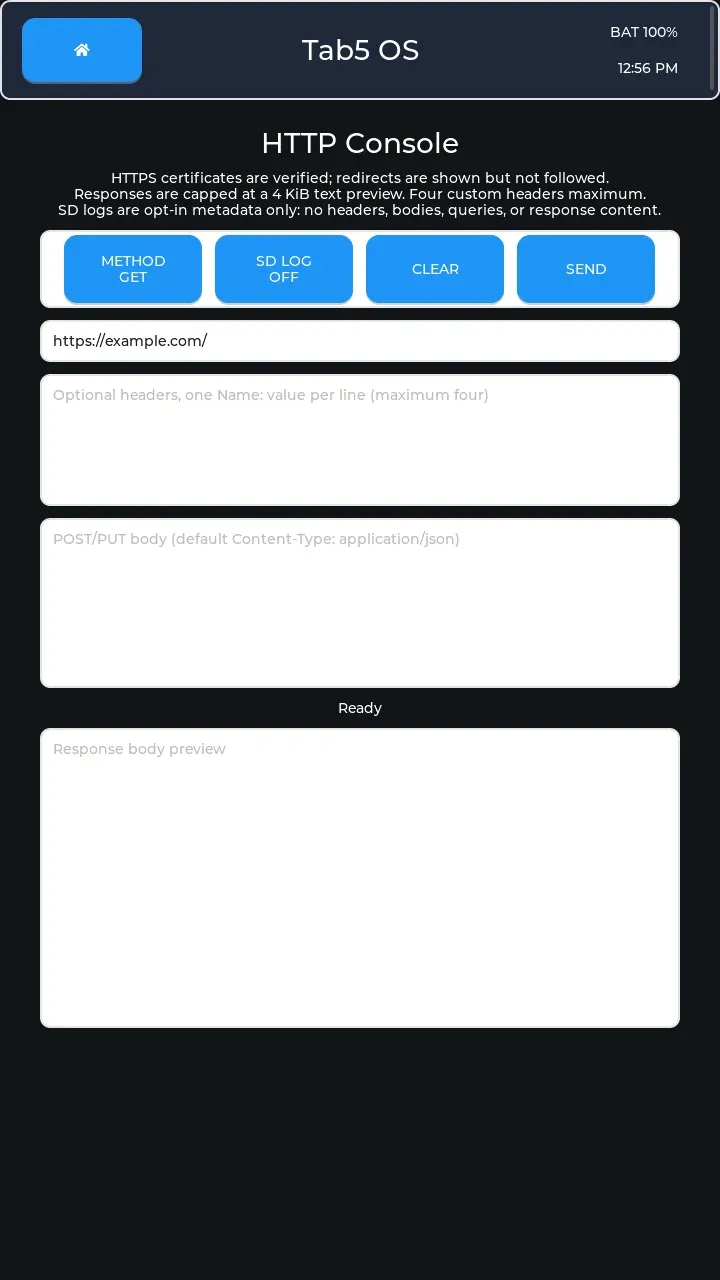 HTTP Tool sends web requests with optional headers and a body and displays a bounded response preview. This GET request is prepared but has no response yet.
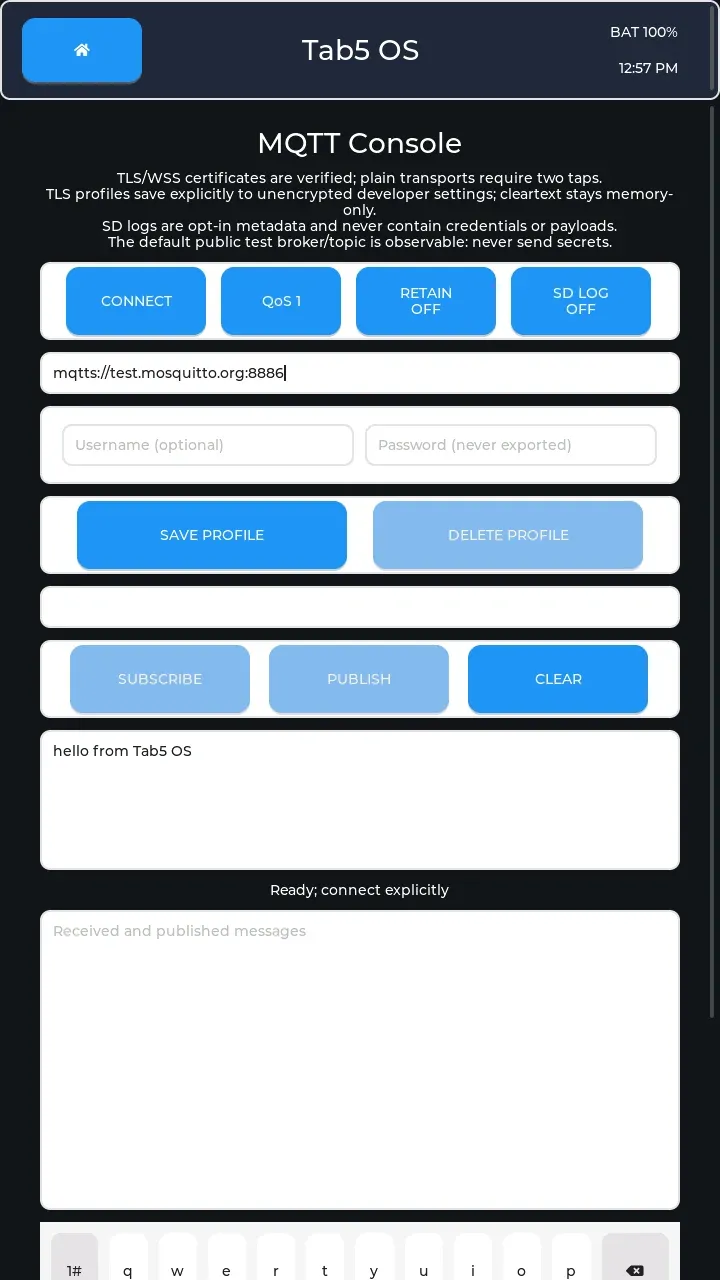 MQTT publishes and subscribes to topic-based messages through a broker, shown before connecting with the default message draft. The topic text is redacted because it includes a device-derived identifier.
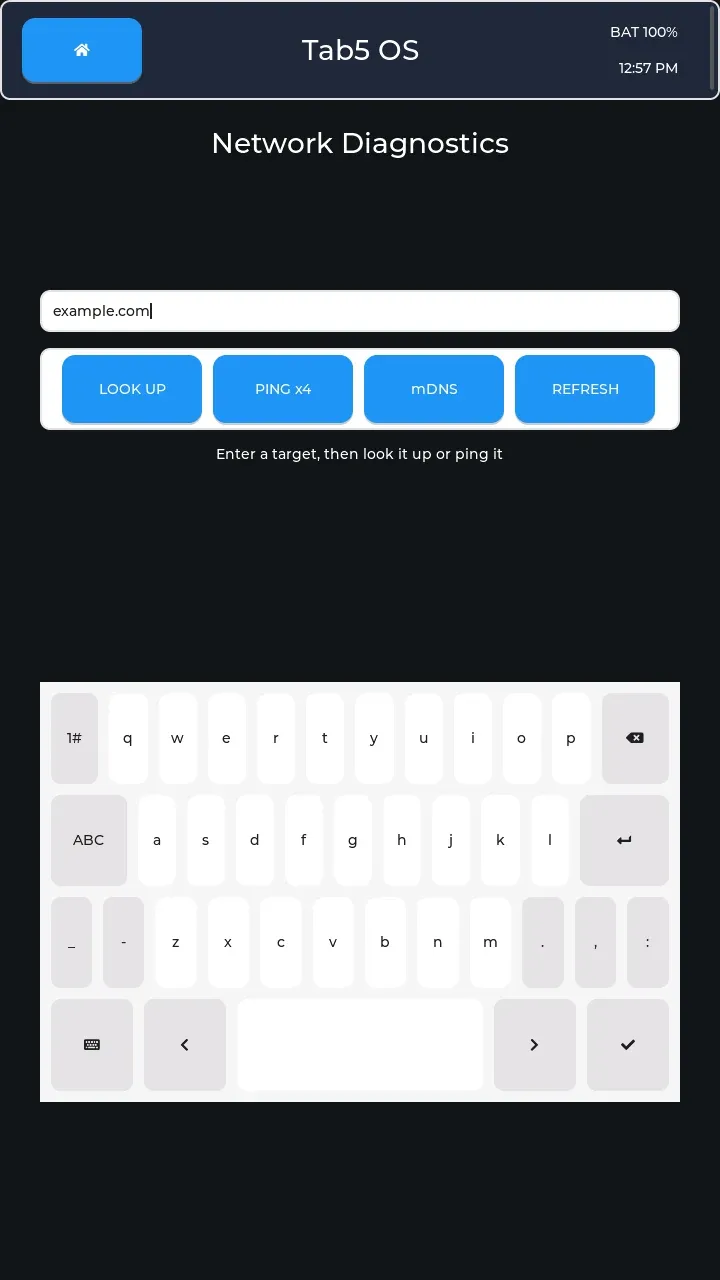 Network provides address lookup, four-probe ping, and local service discovery through mDNS. The network name, channel, signal strength, IP, gateway, mask, and DNS details are redacted.
 Modbus TCP reads coils, inputs, and registers using an industrial device protocol, with selectable interpretations for saved replies. The address is a firmware default and no request has been sent.
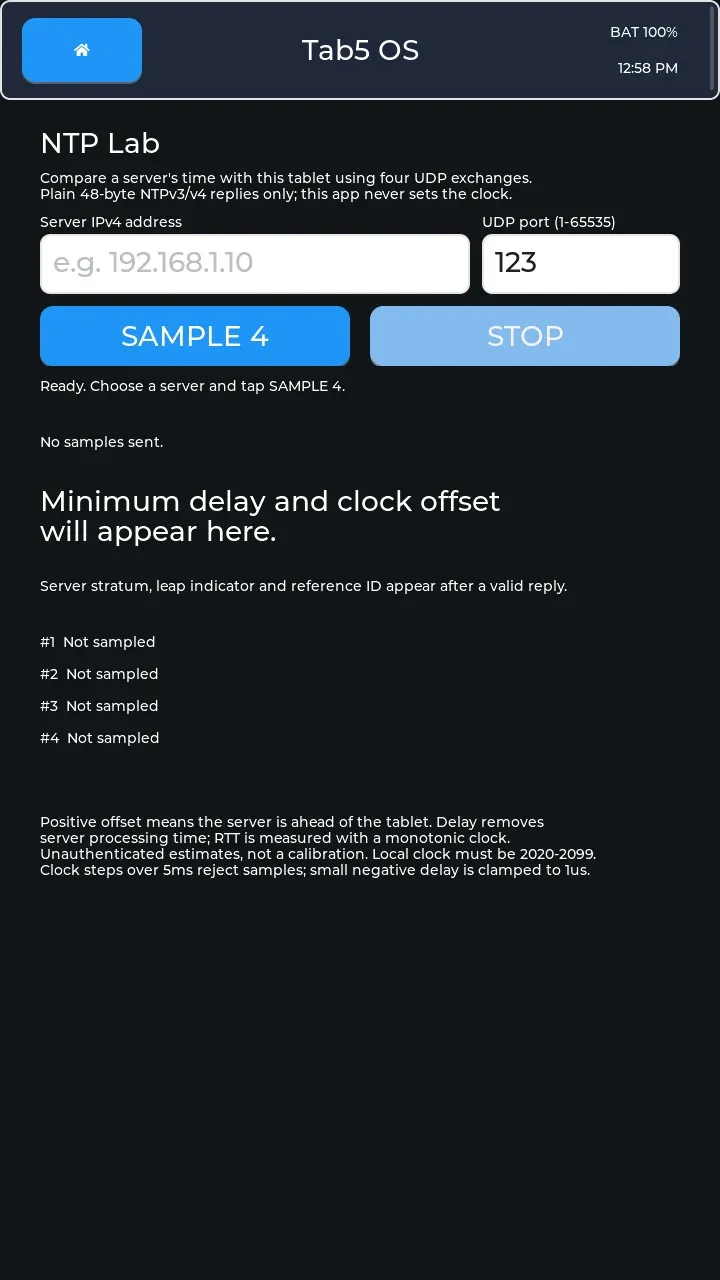 NTP Lab compares a time server with the tablet using four exchanges to estimate delay and clock offset without setting the clock. No samples have been taken.
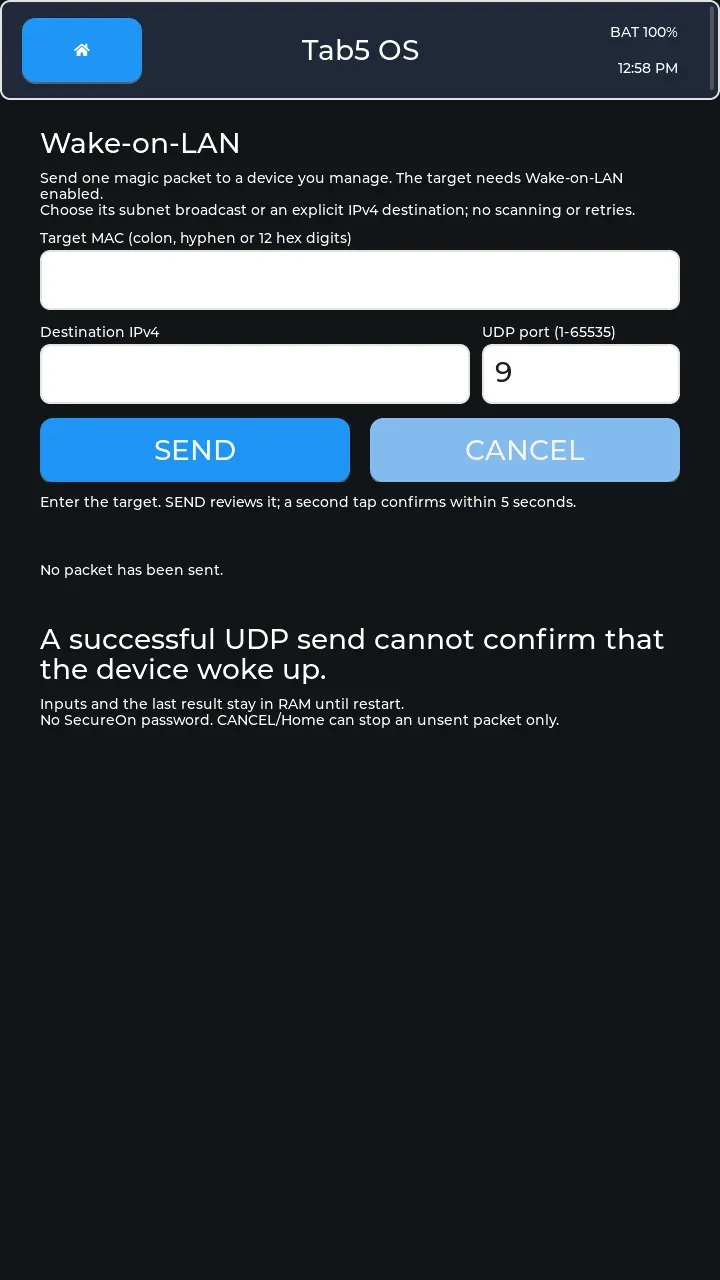 Wake-on-LAN sends a confirmed wake packet to a configured device; a successful send cannot prove that it woke. The destination fields are empty here.
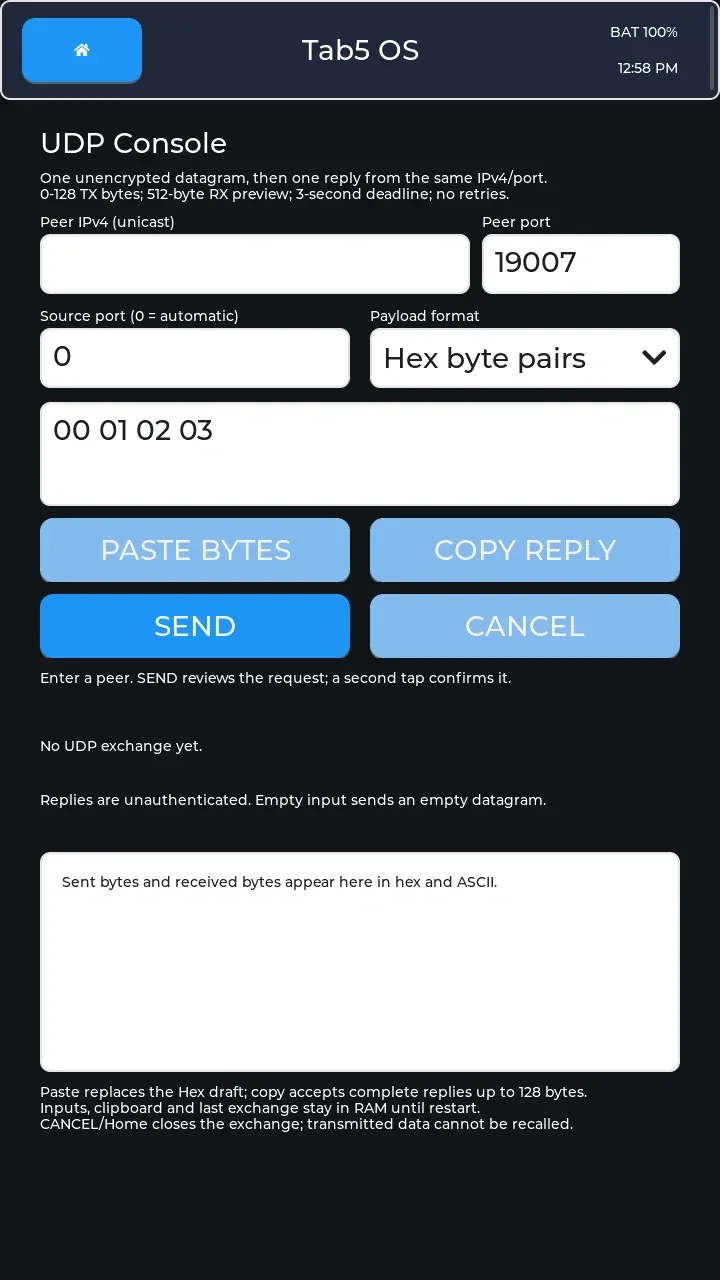 UDP Console sends one datagram, a network message, and previews one reply from the same peer within a bounded wait. This screen shows example bytes before an exchange.
Bluetooth devices Link to section: Bluetooth devices
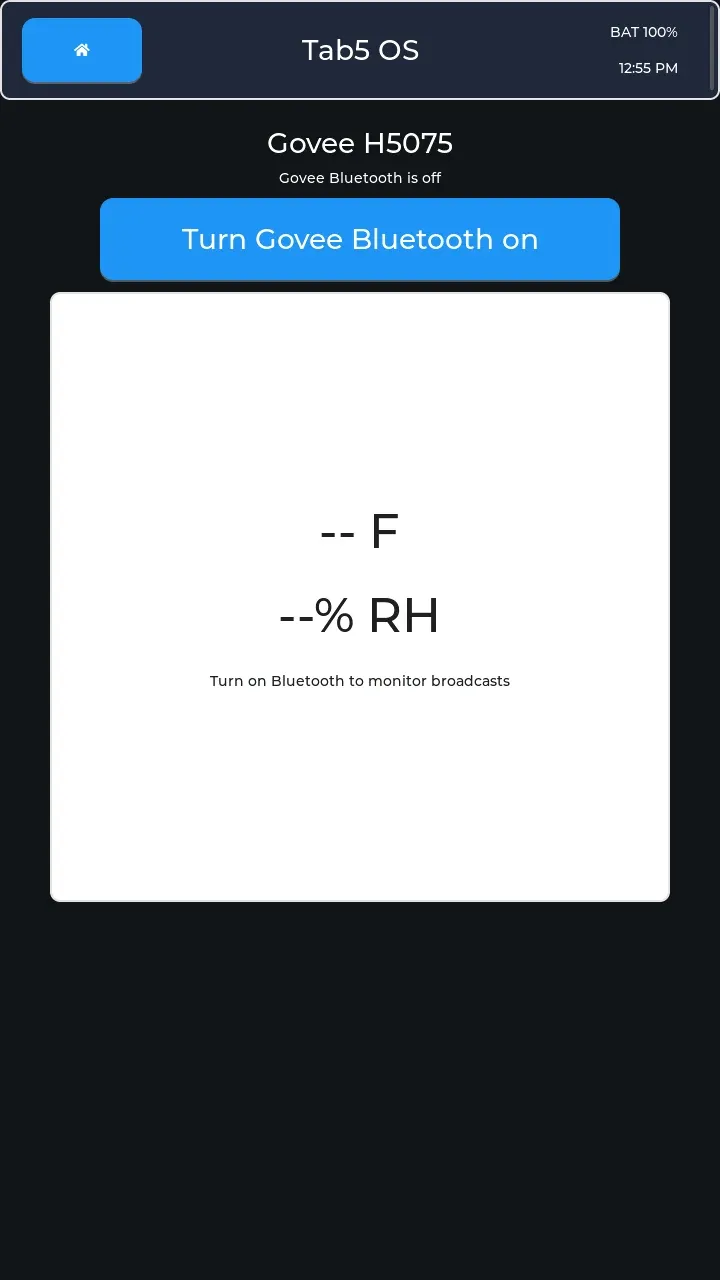 Govee monitors H5075 temperature and humidity broadcasts when enabled. Bluetooth is off and no readings are shown.
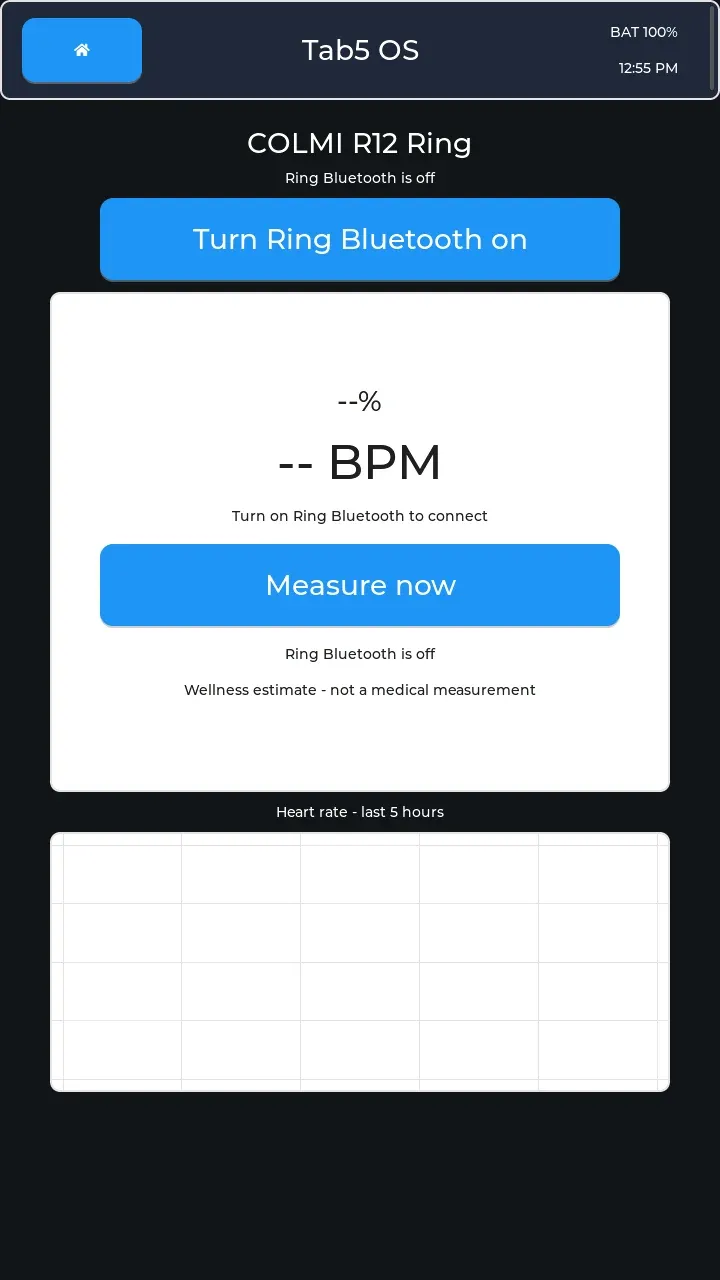 Ring connects to a COLMI R12 for wellness readings and heart-rate history. Bluetooth is off here, with no measurement displayed.
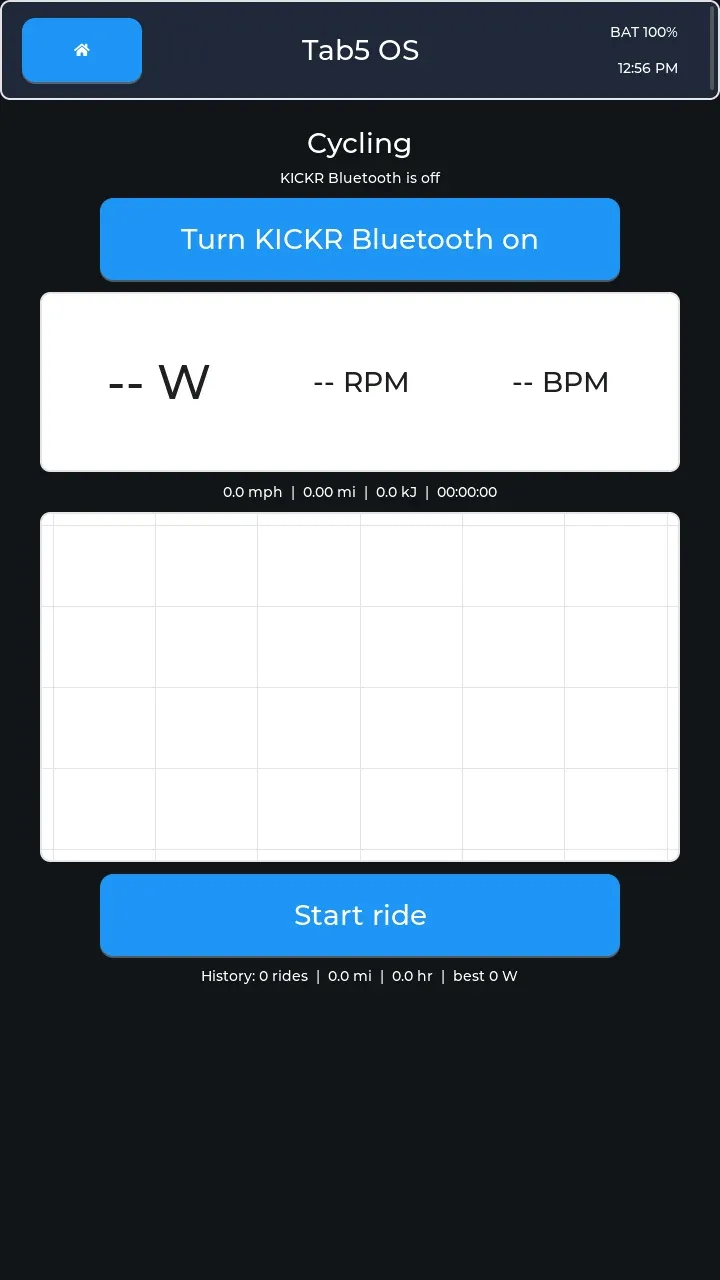 Cycling displays KICKR telemetry and supports SD ride logging. Bluetooth is off and no ride is running.
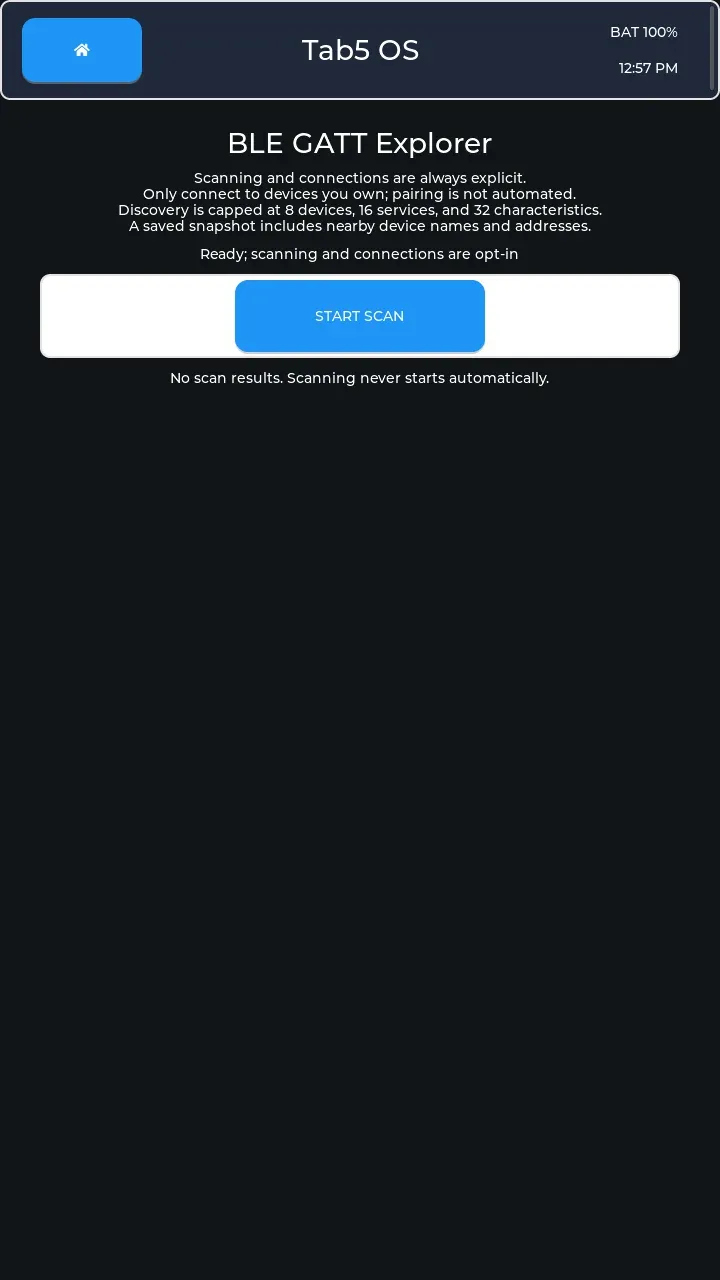 BLE GATT explores Bluetooth Low Energy devices and their exposed services and values, with explicit connections, reads, notifications, and gated writes. No scan has been started.
Hardware and bus tools Link to section: Hardware and bus tools
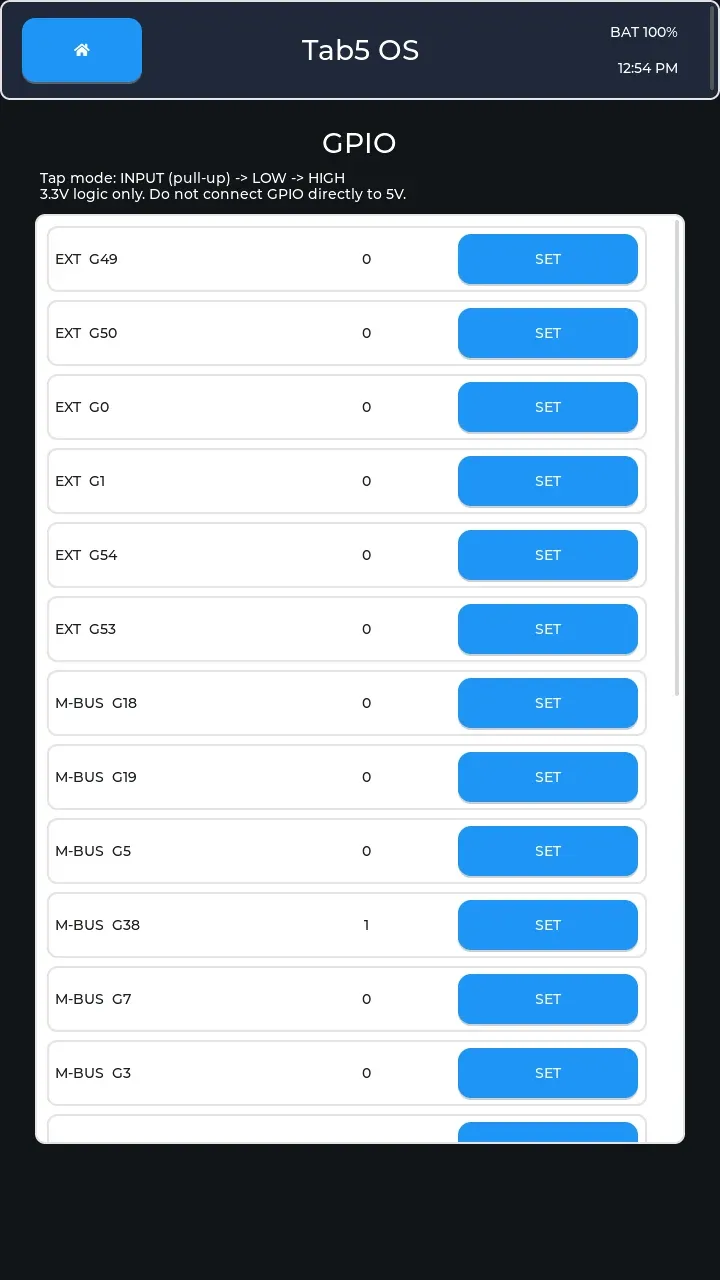 GPIO, general-purpose input/output, switches pins between pulled-up input, low output, and high output.
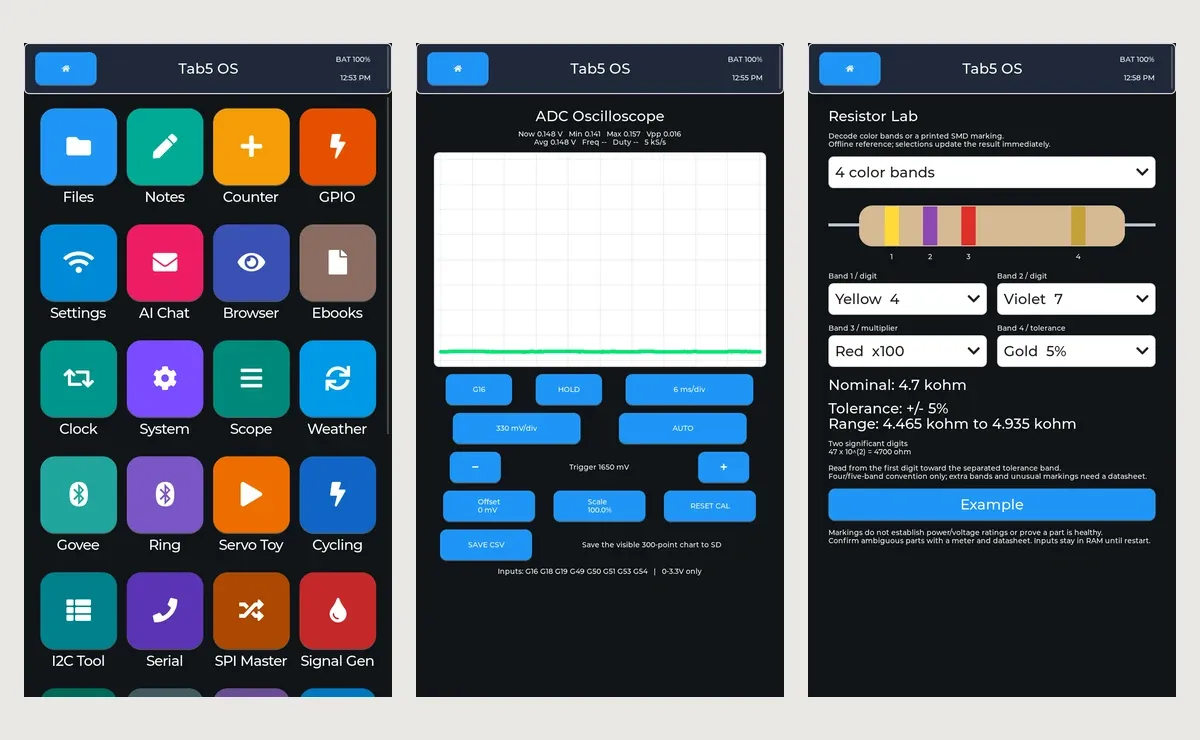
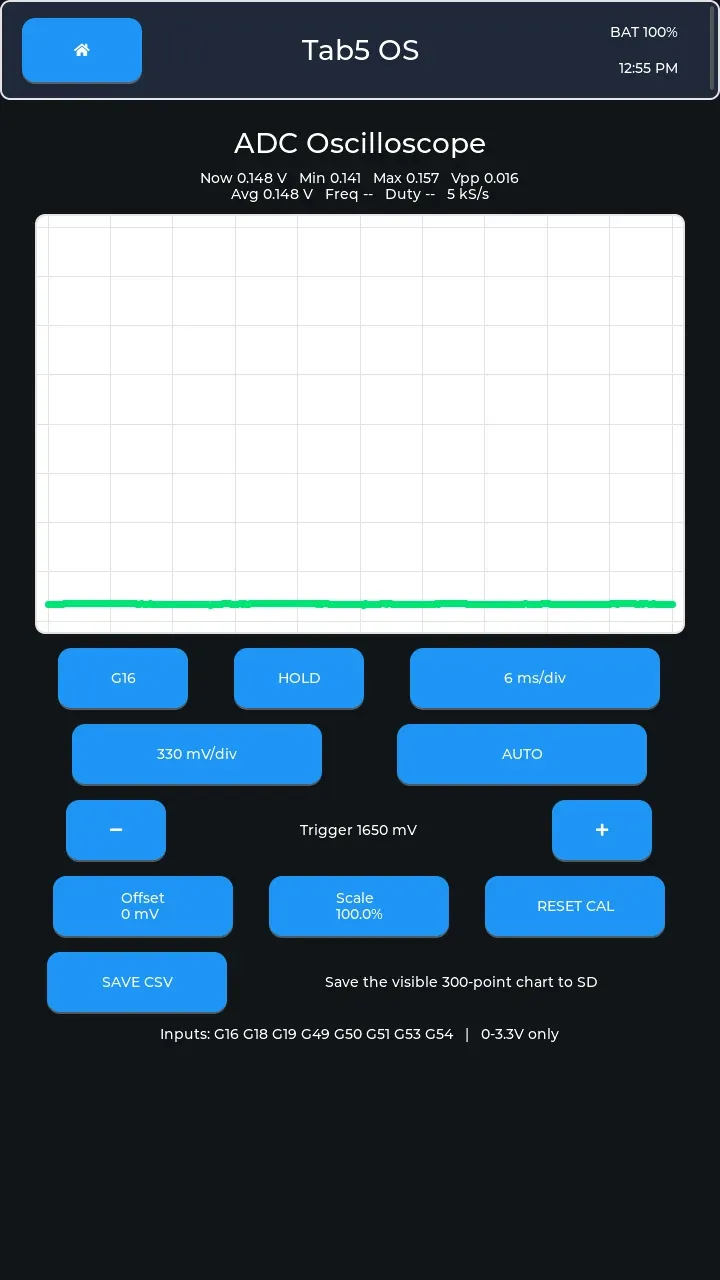 Scope plots an analog input through the ADC, an analog-to-digital converter, with eight selectable channels, trigger and calibration controls, and SD export. This capture shows a low trace on G16.
 I2C Tool inspects a two-wire peripheral bus through address scans, register reads, watch mode, SD capture, and confirmed writes. No scan or saved read is present here.
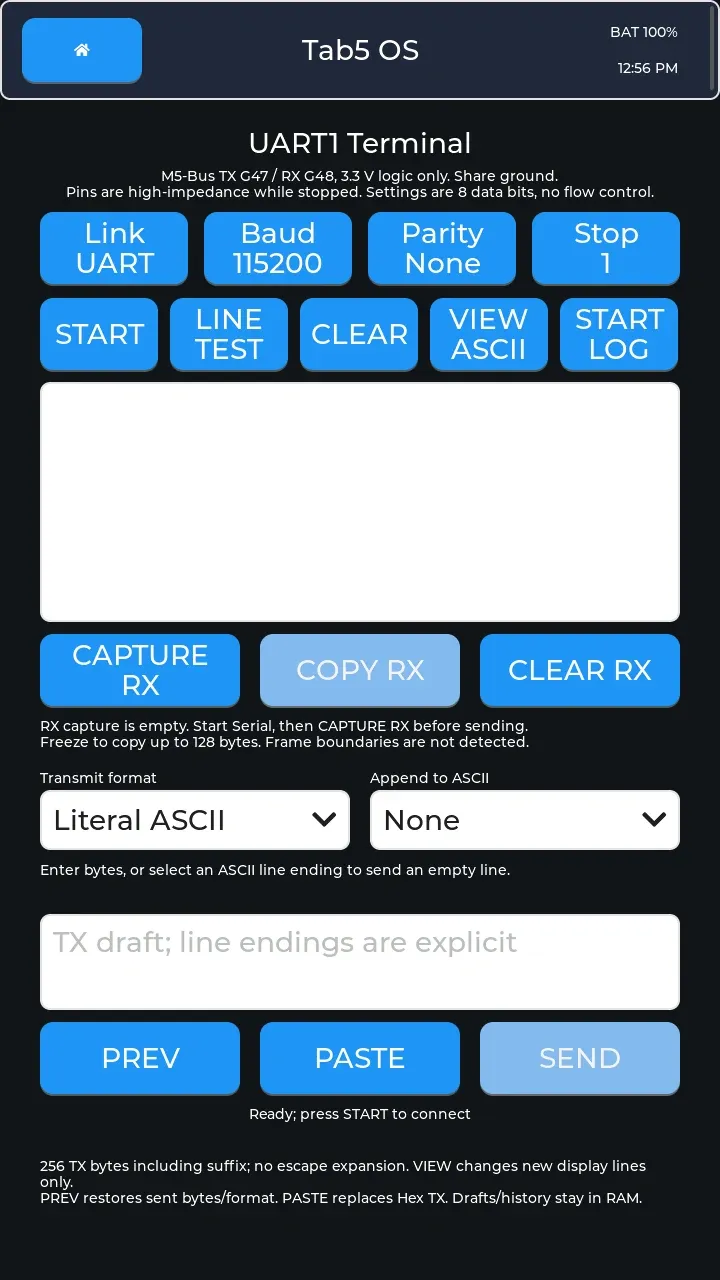 Serial provides a UART or onboard RS-485 terminal with byte/text transmission, explicit line endings, logging, and captured-byte copy. The UART view is stopped with no received bytes.
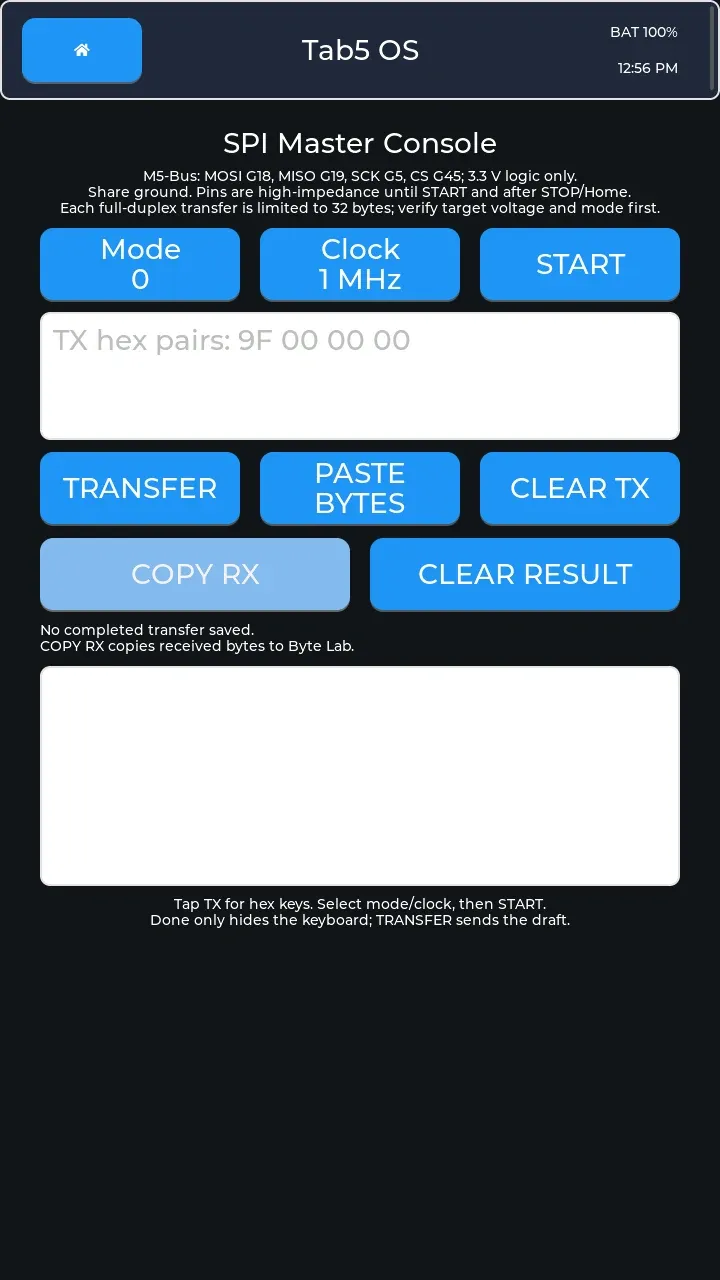 SPI Master exchanges up to 32 bytes at a time over a clocked peripheral bus, with selectable mode and clock and received-byte copy. No transfer has been completed.
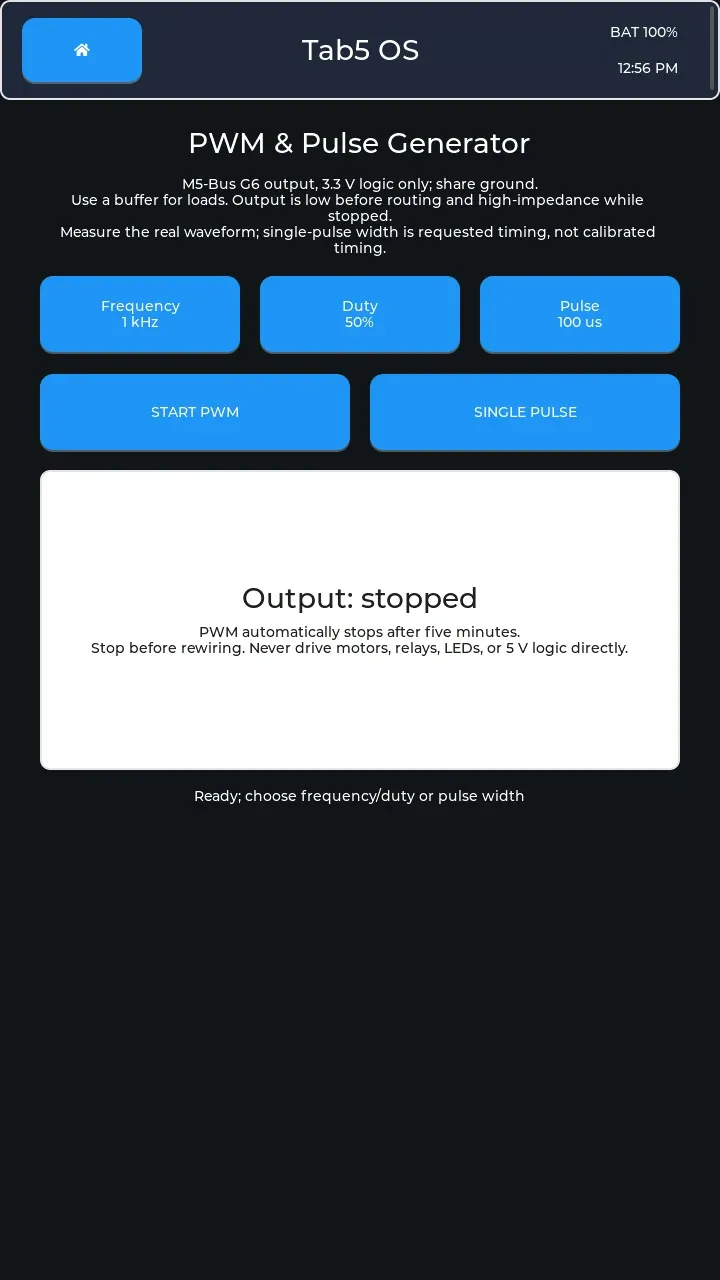 Signal Gen produces PWM, a repeating signal with adjustable on-time, or a single pulse on G6. Output is stopped here; pulse timing is requested rather than calibrated.
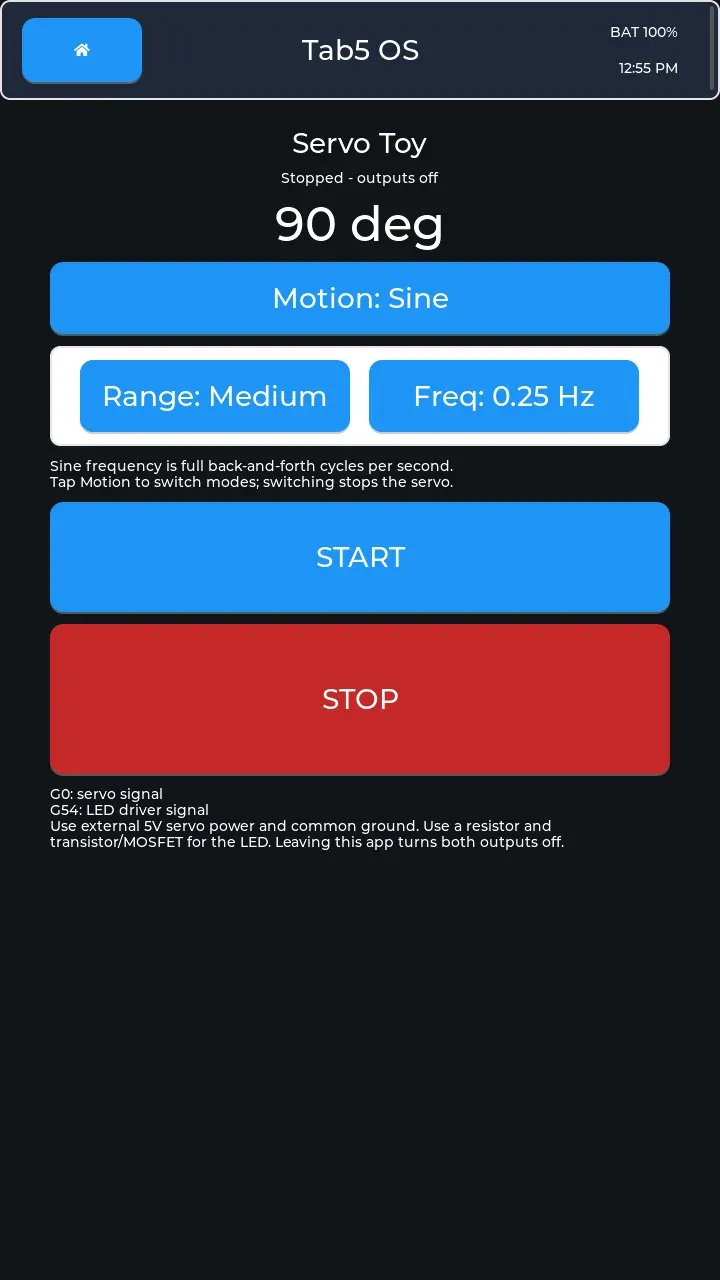 Servo Toy drives selectable sine or random motion on G0 with an LED driver signal on G54. Both outputs are off in this capture.
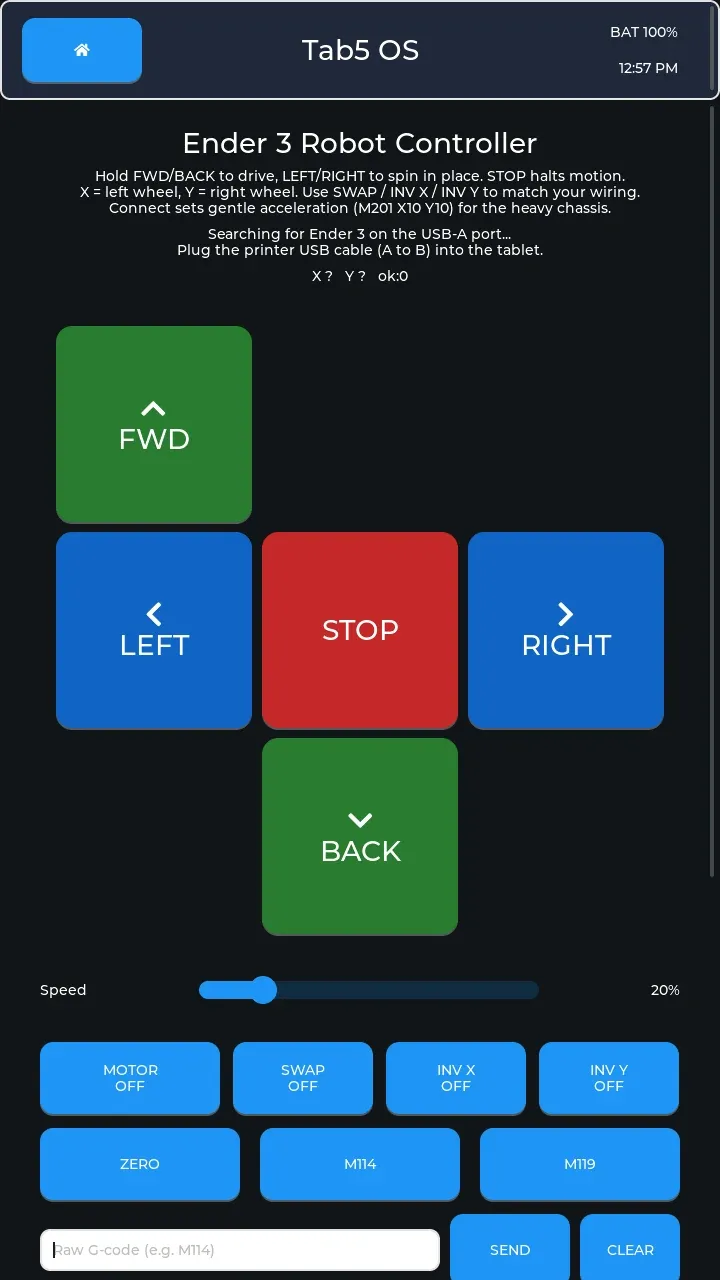 Ender 3 sends tank-style drive commands to a Marlin mainboard over USB CDC serial from the USB-A host port. It is searching for a printer here; live motion, disconnect/reconnect, and electrical checks remain open in the roadmap.
Offline engineering tools Link to section: Offline engineering tools
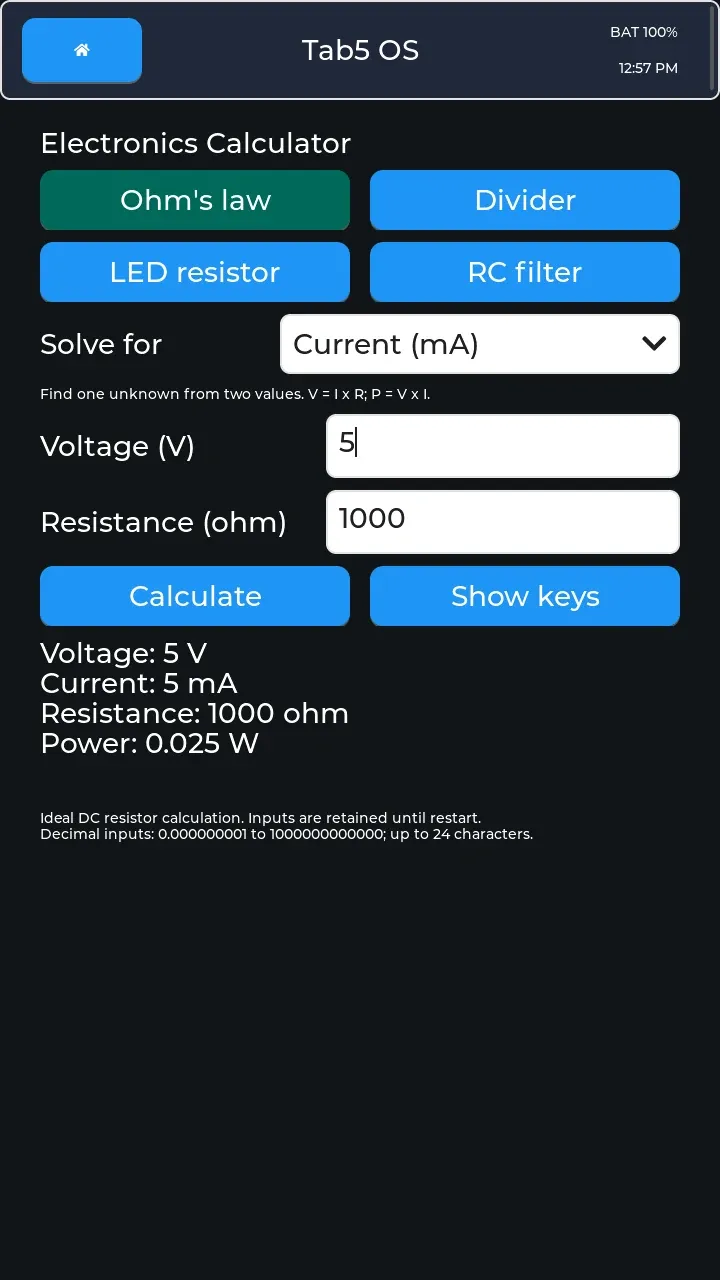 Electronics calculates Ohm’s law, voltage dividers, LED resistors, and resistor-capacitor filters. The example computes current and power from voltage and resistance.
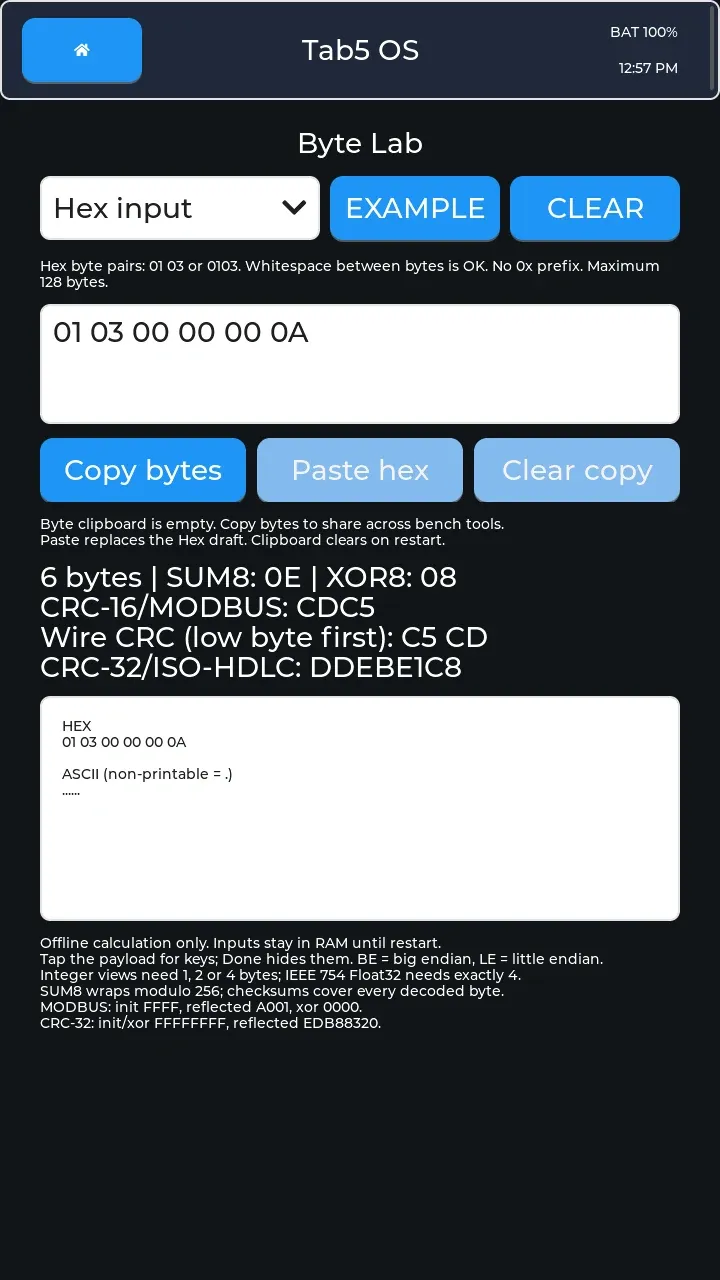 Byte Lab interprets and encodes bytes as text, integers, or floating-point numbers and calculates checksums to help check data integrity. This example shows six hex bytes and their checksums.
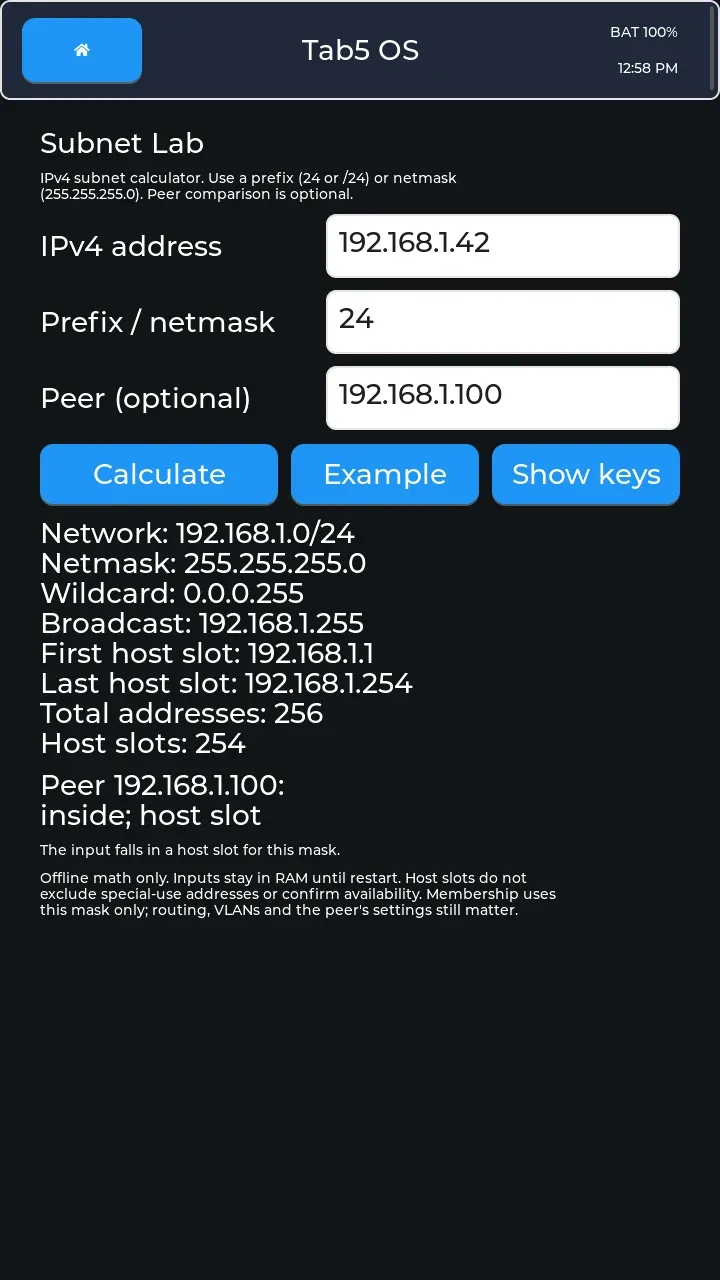 Subnet Lab calculates IPv4 address ranges and checks whether a peer belongs to the same subnet. All addresses shown are built-in examples; it sends no traffic.
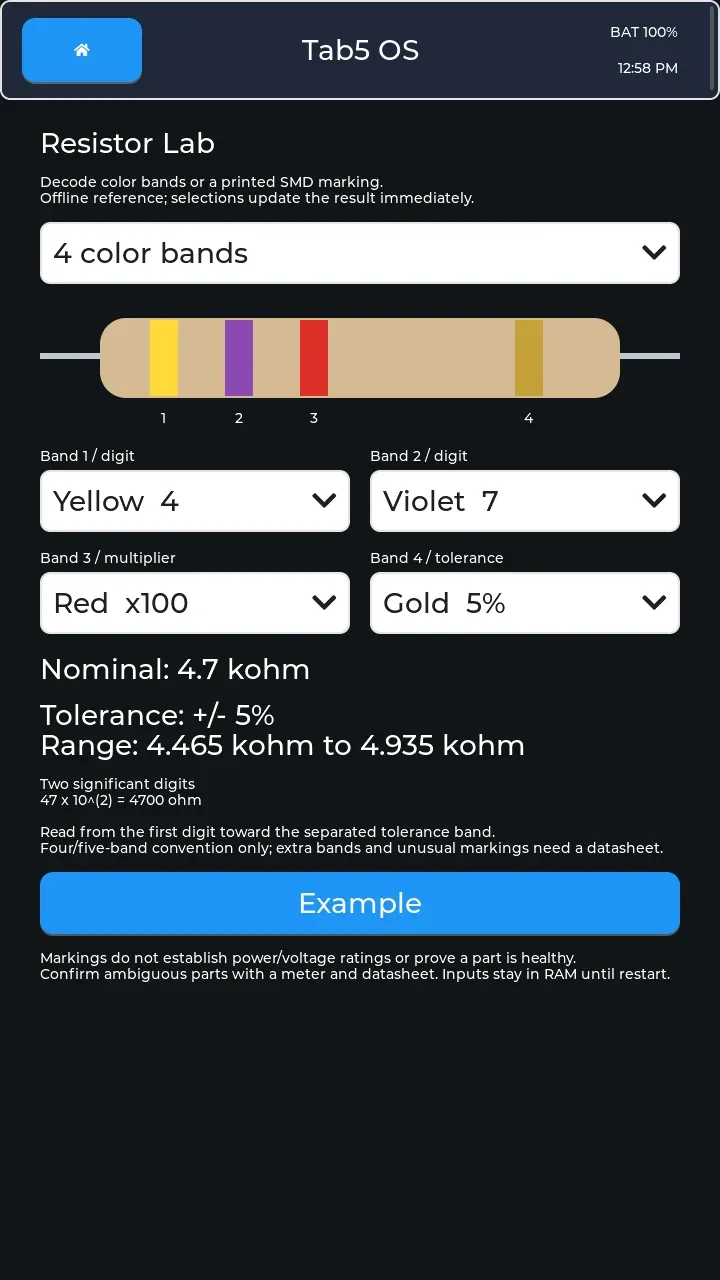 Resistor Lab decodes color bands and printed surface-mount markings. The four-band example shows resistance, tolerance, and its resulting range.
 RTU Frames builds serial Modbus read requests and validates and decodes replies offline; Serial handles actual transmission. This capture shows a generated request, with no reply decoded.
The shared byte clipboard connects Byte Lab and RTU Frames with tools such as Serial, SPI, I2C, UDP, MQTT, and BLE. It lets complete captured values move between tools without retyping; transmission still requires an explicit action in the sending app.
Hardware and display support Link to section: Hardware and display support
Tab5 OS targets the M5Stack Tab5 with ESP32-P4. M5Stack’s board-support layer accommodates the original ILI9881C display with GT911 touch and the newer ST7123/ST7121 family. These captures are from the ST7121 720×1280 panel; they do not establish coverage for the other display family.
The checked-in configuration preserves QIO flash access, 200 MHz PSRAM external memory, and L2-cache settings needed to keep display data flowing to the 720p panel.
External GPIO and I2C signals are 3.3 V only. External 5 V is off at boot, and Tab5 OS has no control to enable it. The pin-safety guide documents shared pins, power, and interface limits; Servo Toy requires separate servo power and a common ground.
Build and flash Link to section: Build and flash
Use ESP-IDF 5.4.2 in an ESP-IDF shell:
idf.py set-target esp32p4
idf.py build
The Windows build wrapper preserves the build tree for incremental work. App-only flashing writes the application; a full flash also writes the bootloader, partition table, and initial OTA metadata. Bootloader or storage-layout changes require the full path and a backup/migration plan, since changing the layout does not migrate internal files.
Read Install and recovery before choosing a flash command. The app-only wrapper always writes 0x20000 and does not detect the active slot. This tablet reports ota_0 @ 0x00420000, a legacy layout, so that wrapper must not be assumed to update its running slot. Inspect the installed partition table and active address on each tablet.
Release assets include the app binary, factory/recovery image, OTA manifest, SHA256SUMS, licenses/notices, and pinned dependency information. Verify the checksum before using a factory image; clean factory recovery erases internal settings and files.
OTA updates Link to section: OTA updates
System > Install stable installs a tagged stable release over Wi-Fi. OTA means over-the-air updating. The updater checks the manifest’s version, hardware compatibility, size, and permitted release URL, then verifies the downloaded image’s exact size, embedded version, and SHA-256 checksum before activation.
On a matching rollback-enabled bootloader and partition layout, the candidate stays pending until the interface and required storage/settings have remained healthy for 30 seconds. Rollback can return to the previous image if that validation fails. Updates preserve device settings, including device-specific chat configuration kept separate from public release binaries.
The OTA contract describes these checks and their limits. Independent release signatures and further physical install/rollback tests remain open work.
Remote-desktop capture Link to section: Remote-desktop capture
These 37 screenshots were captured over USB Serial/JTAG on October 22, 2026, around 12:52–12:59 PM CDT, using a small pyserial client on COM7. They are 720×1280 device framebuffer captures, not desktop interface renders.
The protocol sends 10-byte T5 command packets: kind 1 requests a frame, and kind 2 sends touch state and coordinates. The device replies with a 20-byte T5RD header carrying version, type, encoding, flags, dimensions, payload size, and frame number, followed by run-length pairs of a pixel count and an RGB565 color. RGB565 packs red, green, and blue into 16 bits. The repository’s remote desktop client implements this protocol and maps mouse input to touch:
python tools/remote_desktop.py --port COM7 --scale 1Before publishing, I covered personal note text, Wi-Fi identity and address details, and MQTT’s device-derived topic with solid opaque fills. Each affected caption identifies the redaction. The images were then converted to WebP; the cover shows the upper portions of three real captures, cropped and placed side by side on a neutral background, with no added UI or device frames.
Source and current state Link to section: Source and current state
The Apache-2.0 source repository contains the applications, board integration, build tools, release workflow, and documentation. Managed dependencies are pinned, and the M5Stack and Espressif components retain their attribution.
As of this capture, v0.6.0 is the latest tagged field beta. Network, Electronics, Byte Lab, Modbus TCP, NTP Lab, Wake-on-LAN, Subnet Lab, UDP Console, Resistor Lab, and RTU Frames are the ten additional launcher entries in this development build and on main; they are not in v0.6.0.
The README, roadmap, and hardware smoke checklist distinguish implemented features from measured coverage. Open work includes the second display family, external peripheral and electrical checks, USB brownout follow-up, remaining HTTP checks, storage fault/recovery tests on hardware, repeated OTA/rollback cycles, and an eight-hour mixed-use soak. This screenshot set does not close those tests.
FAQ
Which hardware does Tab5 OS target?
Tab5 OS targets the M5Stack Tab5 with ESP32-P4. The page's device captures come from an ST7121 720×1280 panel and do not establish coverage for the other display family.
Are all the pictured apps included in v0.6.0?
No. The screenshots show a local development build with 34 apps. Ten additional launcher entries are in that build and on main but are not in the v0.6.0 field beta.
How do stable updates work?
System > Install stable downloads a tagged release over Wi-Fi. The updater checks compatibility and manifest details, then verifies the image's size, embedded version, and SHA-256 checksum before activation.
Can the external pins accept 5 V signals?
External GPIO and I2C signals are 3.3 V only. External 5 V is off at boot, and Tab5 OS has no control to enable it.