What it does Link to section: What it does
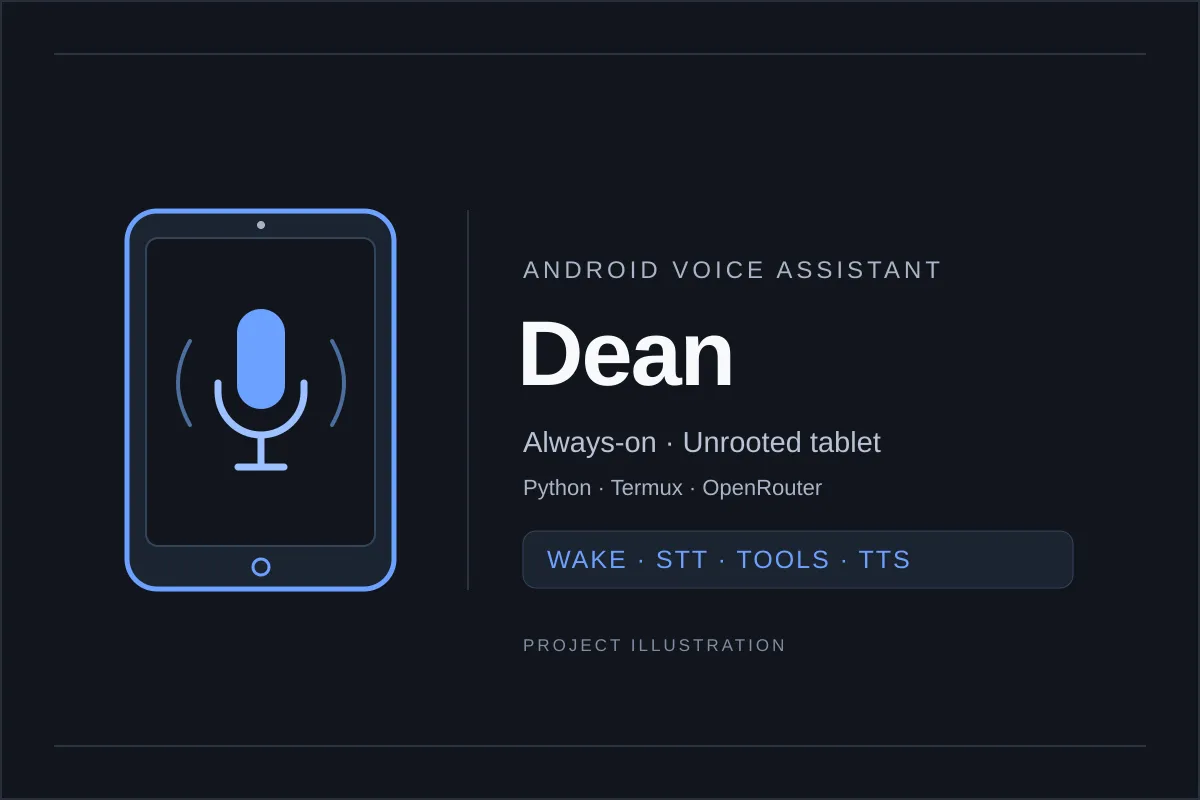
I built Dean as an always-on voice assistant that runs on an unrooted Android tablet, without unlocking administrator-level access to Android.
Say “hey dean”, ask a question, and it can answer aloud or use tools (functions that perform actions or retrieve information) to work with household devices, information, lists, and reminders. Conversations carry over for three minutes so follow-up questions can use the same context.
I built and tested it on an onn. 12” Tablet Pro (2024, model 100146663) with a MediaTek Helio G99, 6 GB RAM, and Android 14.
The Python assistant runs through Termux, an Android terminal and Linux tool environment, and a Debian environment, which provides tools from the Debian Linux distribution.
Voice pipeline Link to section: Voice pipeline
The voice pipeline has four stages:
- The microphone feeds Vosk, a speech-recognition engine, for the wake word—the phrase that activates listening for a request.
- Moonshine, a speech-recognition model, handles speech-to-text, converting speech into a transcript.
- The transcript goes to an LLM (large language model) with tools through OpenRouter, a service that routes requests to model providers. The tool loop lets it use their results while answering. The response is streamed back, arriving in pieces as it is generated.
- Piper, a text-to-speech engine, speaks it sentence by sentence as the answer arrives.
Wake-word detection and speech-to-text run on the tablet.
Measured response times Link to section: Measured response times
The README’s latency table (the delay before a response) reports measurements on that onn. tablet, counted from when speaking stops:
- End-of-speech detection: 0.7 seconds.
- Moonshine transcription: 0.3 seconds for a four-second command.
- LLM’s first words: about 1.0 second on a simple question.
- Weather or sensor question: about 2.5–3.2 seconds with one tool round.
- Piper’s first audio: 0.2–0.7 seconds after a sentence arrived.
These are the README’s measured numbers on that tablet, not response-time guarantees.
Tools it can use Link to section: Tools it can use
The model decides when to call tools.
Information, lists, and memory Link to section: Information, lists, and memory
The information tools cover:
- Web search.
- Open-Meteo weather and US National Weather Service alerts.
- NPR or topic-based news headlines.
- Private iCal calendars (a format for sharing calendar events).
- OpenRouter spending.
Named lists are shared between voice and text.
Timers, reminders, alarms, and plain-English routines are saved so they survive restarts. Long-term memory is stored on the tablet.
Household devices and phone finding Link to section: Household devices and phone finding
For the home, Dean can:
- Control Govee lights over LAN (the local area network) or the cloud API (an interface for communicating with a remote service).
- Operate a Roku TV over the local network.
- Read Govee Bluetooth thermometers through a companion app.
- Check household phone presence on Wi-Fi.
- Deliver reminders when someone gets home.
- Ring a Pixel through the Dean Finder app or an iPhone through an email-triggered Shortcut, including when the phones are on silent.
Tablet controls and camera Link to section: Tablet controls and camera
Termux:API, an add-on that exposes Android device features to Termux, provides location, tablet sensors, battery and device status, volume, brightness, and flashlight controls.
The camera tool takes a photo to answer a question, chimes when used, and deletes the photo right away.
Wall dashboard and texting Link to section: Wall dashboard and texting
Wall display Link to section: Wall display
The full-screen Termux dashboard shows a clock, date, weather and forecast, light status, the next three reminders or alarms, and recent conversation. A status bar shows what Dean is doing.
Text conversations Link to section: Text conversations
A Telegram bot (an automated account on the Telegram messaging service) lets me text Dean from a phone.
Only allowed chats can use it, and each chat keeps its own conversation.
Reminders set by text are sent back by text, while the announce tool speaks at home. Camera access over text is disabled by default.
Limits and setup Link to section: Limits and setup
Foreground audio and reboot recovery Link to section: Foreground audio and reboot recovery
Termux must stay on screen: Android silences the microphone for background apps. Dean can recover its audio once Termux is back in front.
Termux:Boot, an add-on for running scripts after Android starts, also runs only after the first unlock following a reboot; unattended recovery from a power cut needs no lock or swipe-to-unlock.
Battery care Link to section: Battery care
A tablet plugged in around the clock can develop a swollen battery over time. The README recommends a charge limit where available or a smart plug on a schedule.
Requests sent to model providers Link to section: Requests sent to model providers
Wake-word detection and speech-to-text stay on the device, but transcribed requests go to the chosen model provider through OpenRouter. Photos also go through OpenRouter when I ask Dean to look at something.
Setup and source Link to section: Setup and source
The public GitHub README documents Termux setup, API configuration, companion apps, and integration requirements. The code is MIT licensed. There are no GitHub releases yet, so the project action links to source.